
CapCut APK
v29.8.0
Bytedance Pte. Ltd.
CapCut is an easy-to-use video editing app for creating stunning visual stories.
CapCut APK
Download For Android
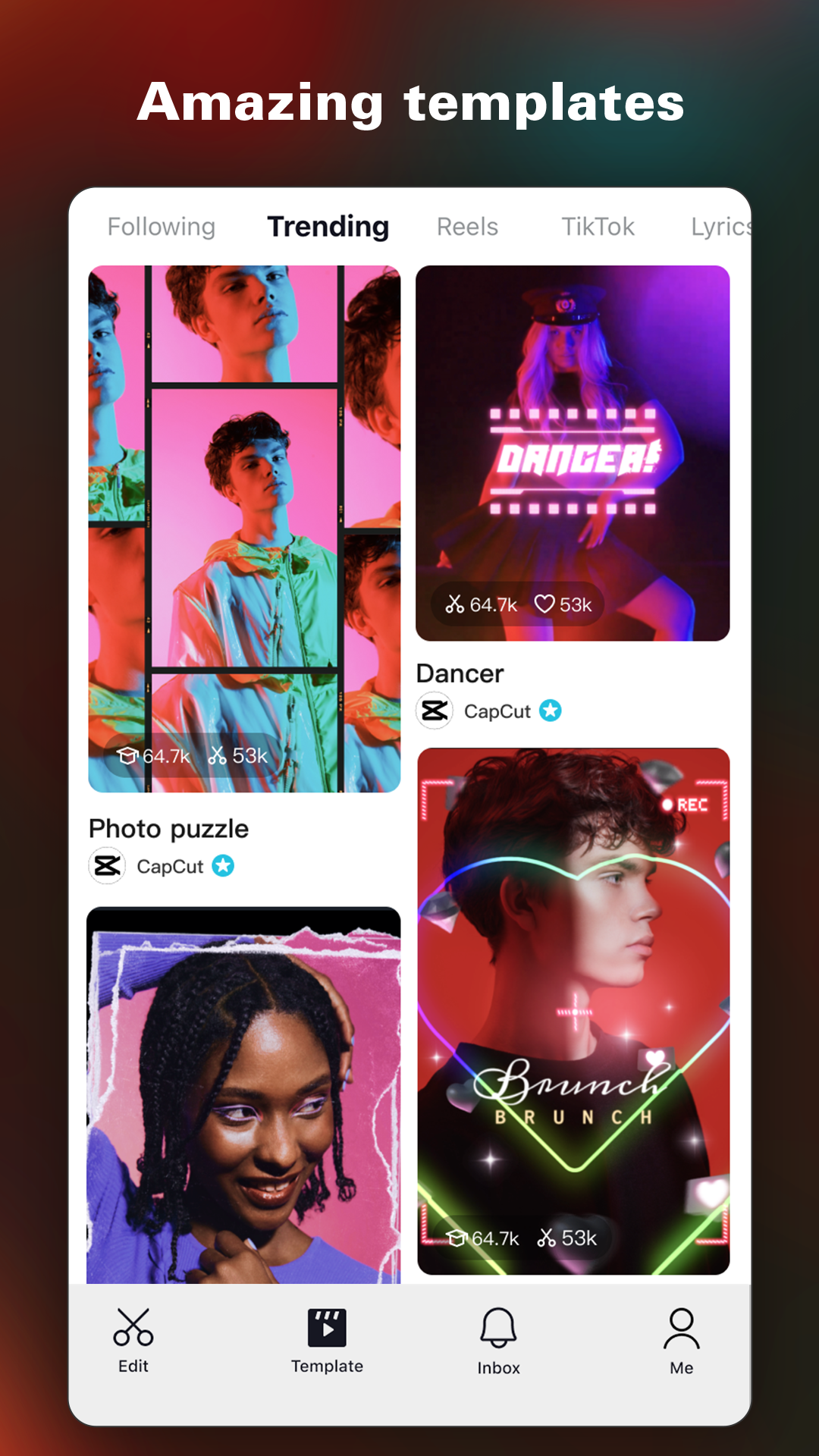
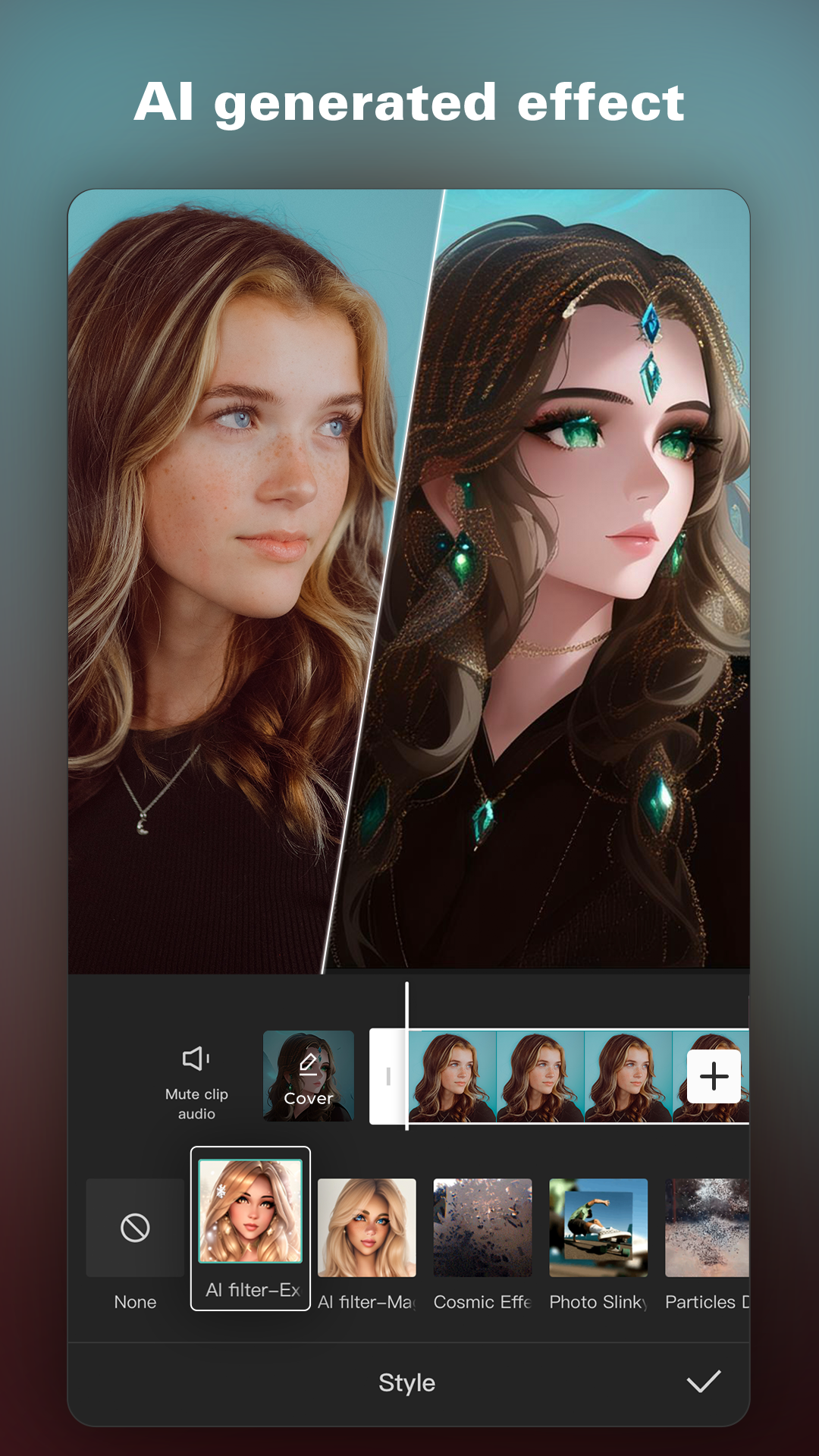
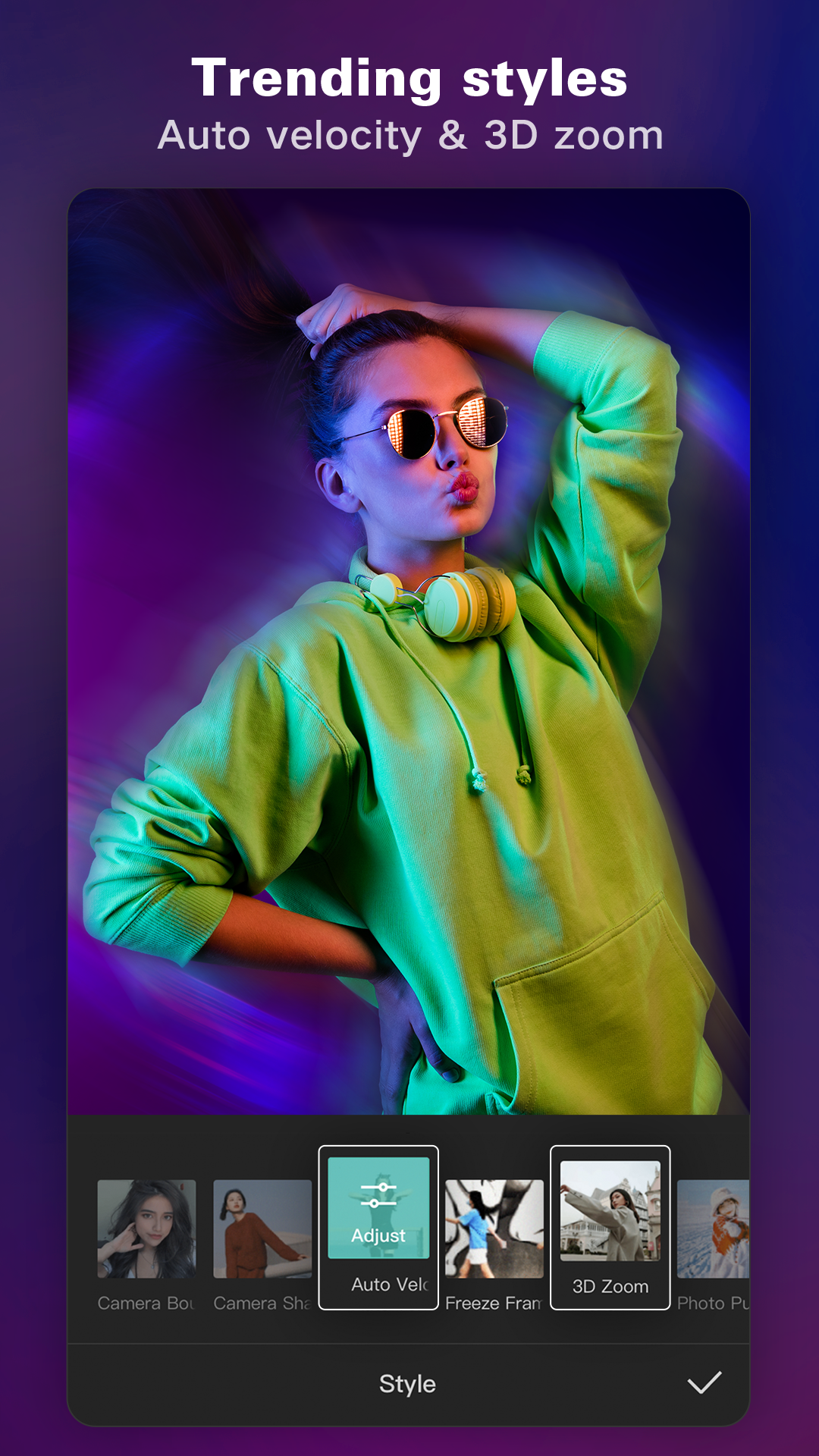
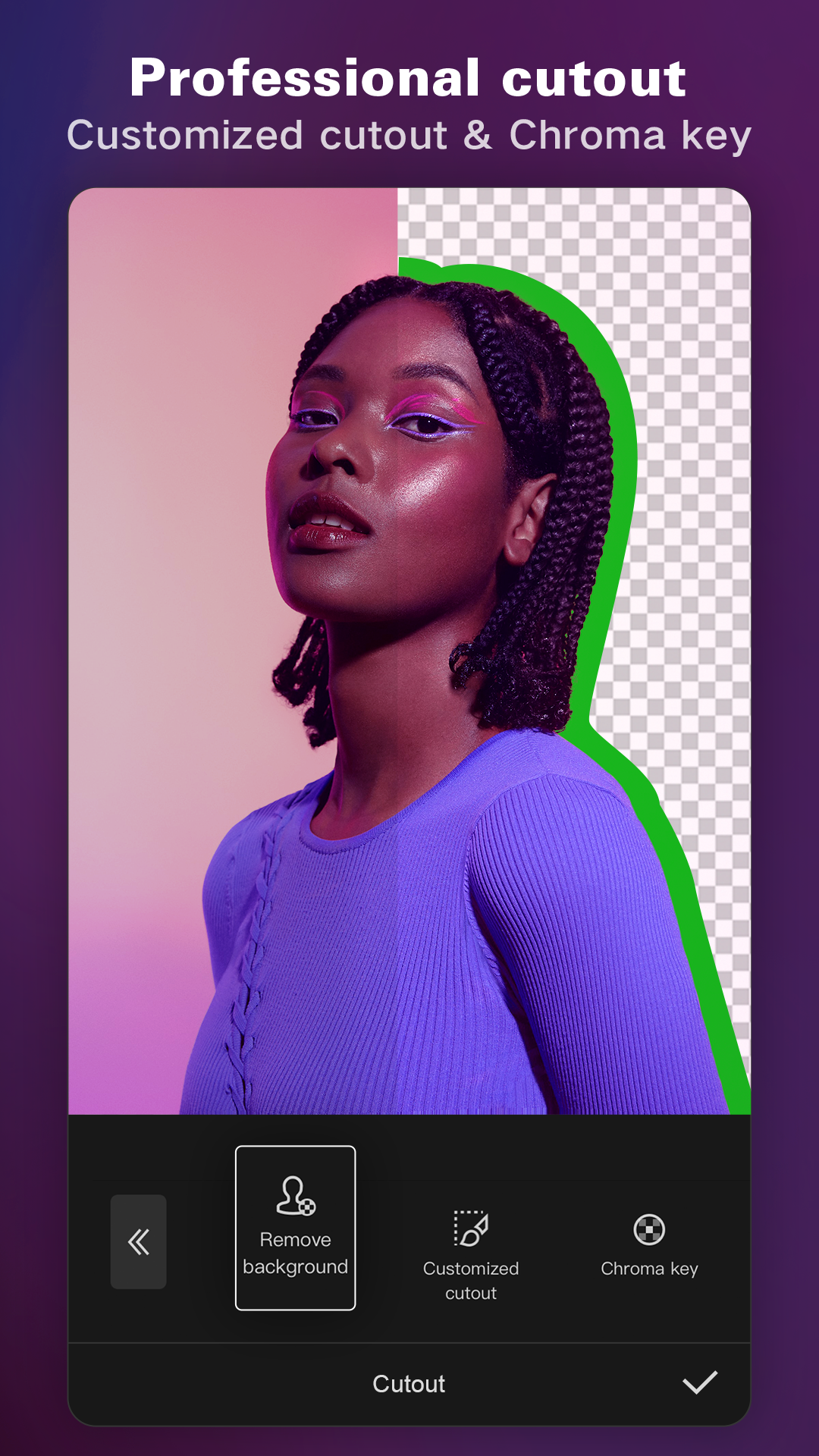
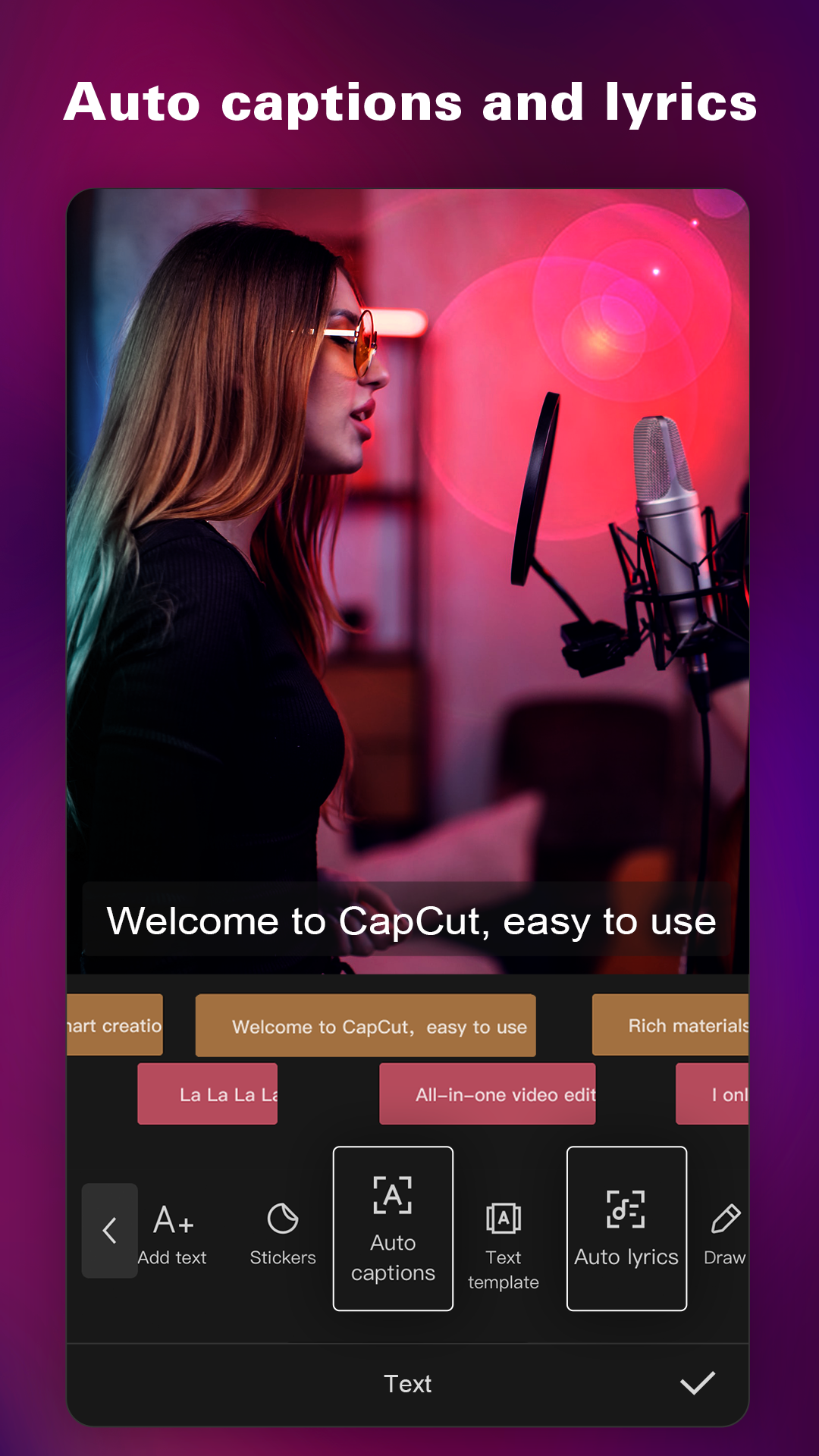
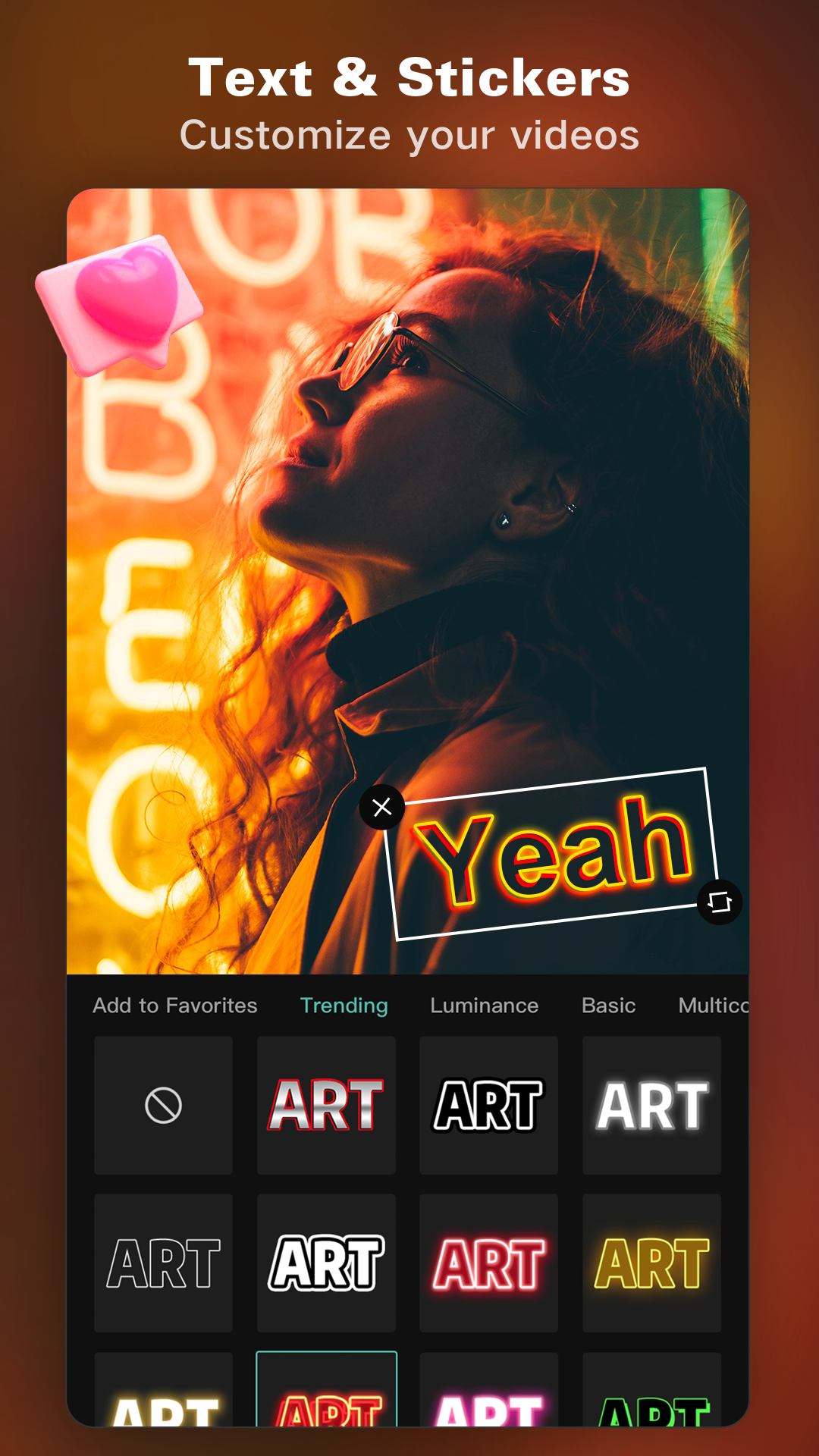
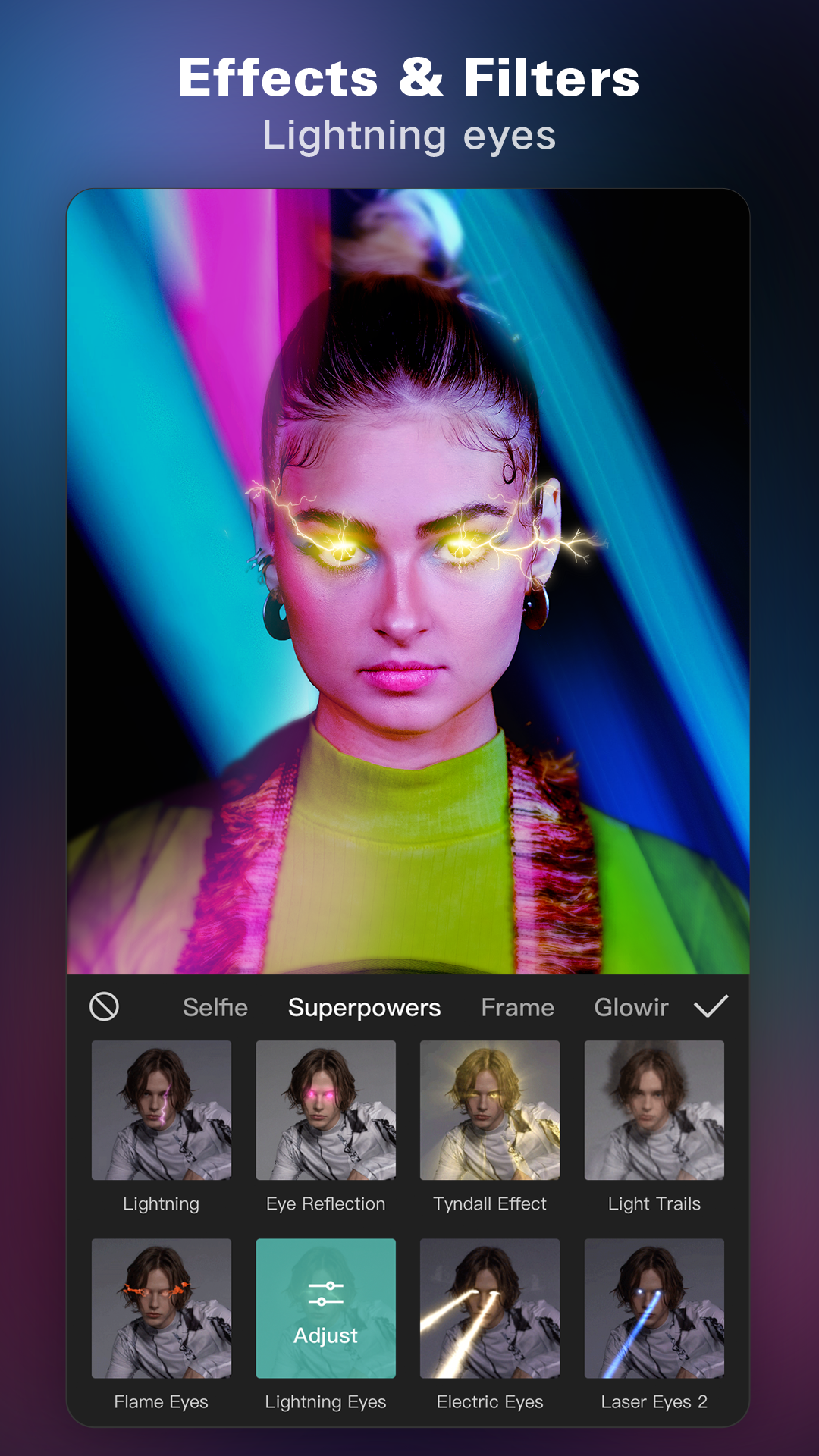
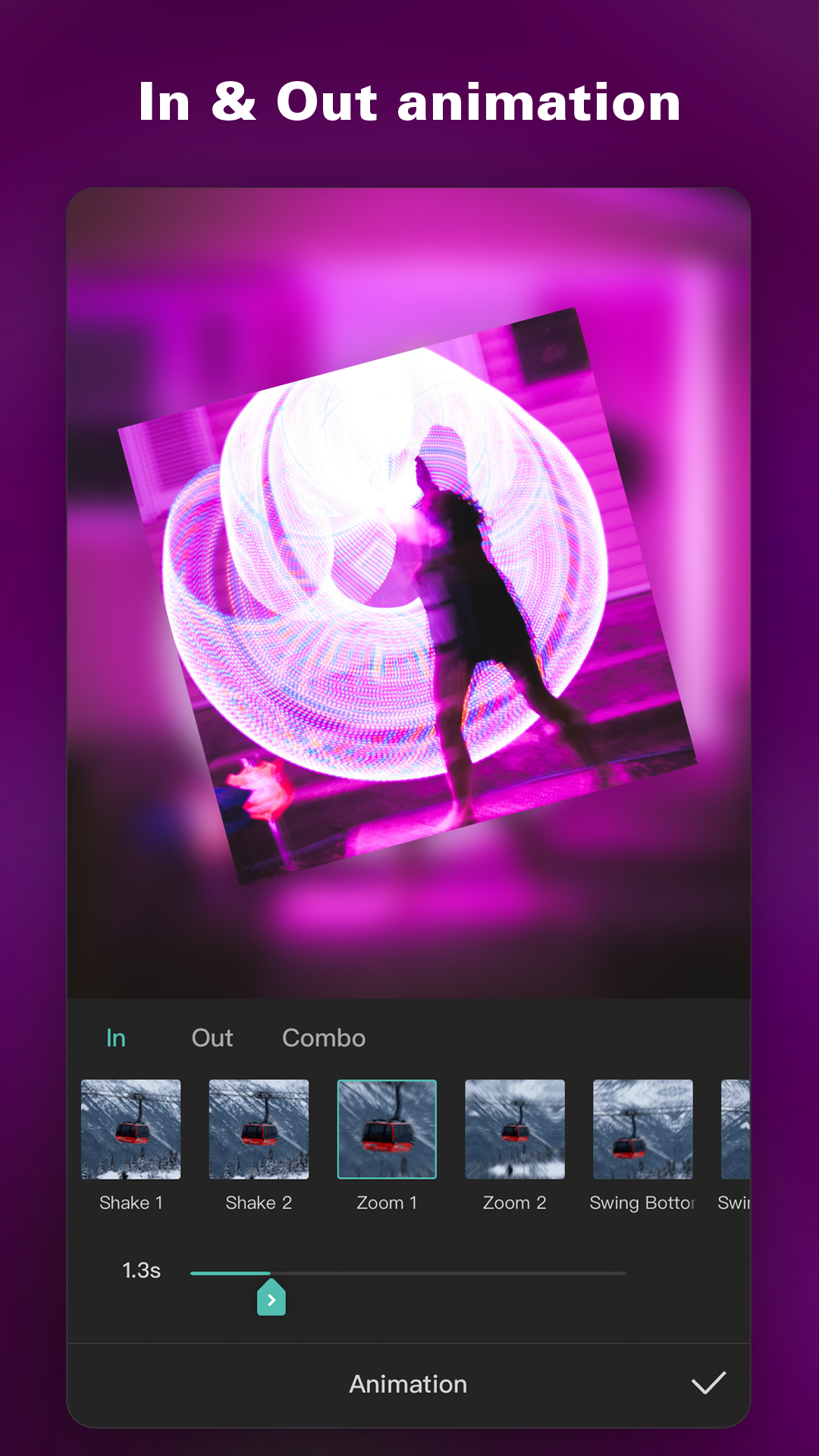
More About CapCut
| Name | CapCut |
|---|---|
| Package Name | com.lemon.lvoverseas |
| Category | Video Players & Editors › |
| Version | 29.8.0 |
| Size | 330.6 MB |
| Requires Android | 5.0 and up |
| Last Updated | 15 October 2026 |
Streamline Your Mobile Content Creation
Transforming raw mobile footage into polished media projects no longer requires a desktop workstation or years of technical training. Modern mobile software bridges the gap between complex production pipelines and everyday content creators, letting anyone build engaging material directly from a phone or tablet. For individuals capturing daily vlogs, short cinematic clips, or social media updates, having a responsive toolkit on hand removes traditional barriers to entry in digital publishing.
[SCREENSHOT]
This Android application caters to creators at every skill level by combining accessible design with deep utility. Beginners benefit from straightforward layouts that require no prior background in media editing, while experienced users find enough flexibility to handle multi-layered projects efficiently.
Core Editing and Creative Capabilities
Building a compelling visual story involves more than simply cutting clips together. The software provides a comprehensive suite of functions designed to enhance every frame of your project:
- Effortless clip trimming, splitting, and rearranging to maintain a steady narrative pace.
- Dynamic speed adjustments for creating dramatic slow-motion highlights or fast-paced montages.
- A vast selection of visual filters and transition animations to smooth out scene changes.
- Customizable text overlays and animated fonts that help communicate key messages clearly.
- An expansive library of royalty-free, copyright-cleared soundtracks and audio effects to establish the right mood.
Managing audio levels alongside visual elements ensures that background tracks complement spoken dialogue rather than overpowering it. Furthermore, automated tools help isolate standout moments within lengthy source files, reducing the time spent on manual curation.
Export Options and Platform Integration
Once a project reaches completion, getting the final result onto desired publishing networks should be a seamless process. The application supports various export aspect ratios, including standard widescreen formats and square configurations tailored for specific feeds. High-resolution output settings preserve visual clarity, allowing creators to render projects in high definition or up to 4K resolution depending on project requirements and device capabilities.
Direct sharing shortcuts enable users to upload finalized content quickly to popular platforms without navigating through complicated file management menus. Meanwhile, cloud storage integration keeps working files secure and accessible across different sessions.
Practical Considerations for Installation
When downloading application packages from alternative web sources rather than official app stores, practicing good digital hygiene remains essential. Always verify file permissions before installation to ensure the software only requests access appropriate for a media editor. Keeping regular backups of original device media protects against unexpected data loss during heavy editing sessions. Unofficial builds may also carry distinct stability profiles compared to standard releases, making caution wise for critical projects.