
Pocket Pixel APK
v1.0.228
Large Box
Pocket Pixel APK brings back the fun of Game Boy Advance games with a modern twist, perfect for nostalgic gamers.
Pocket Pixel APK
Download For Android

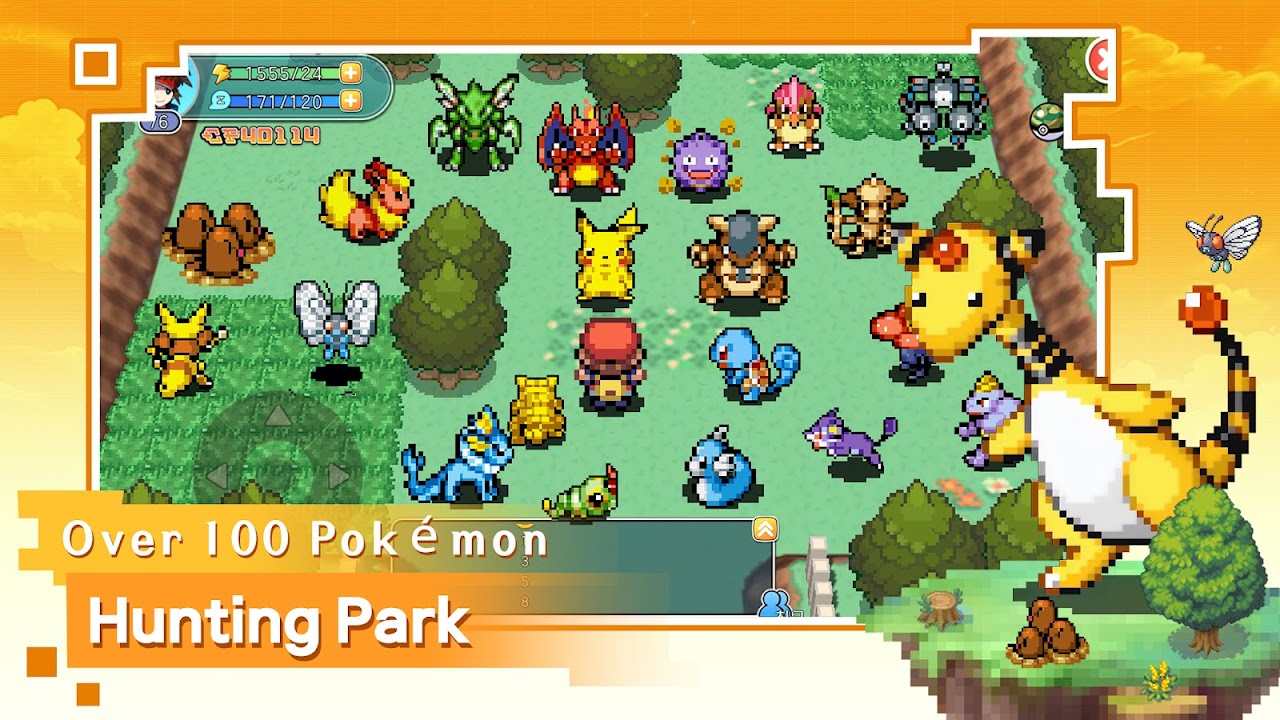
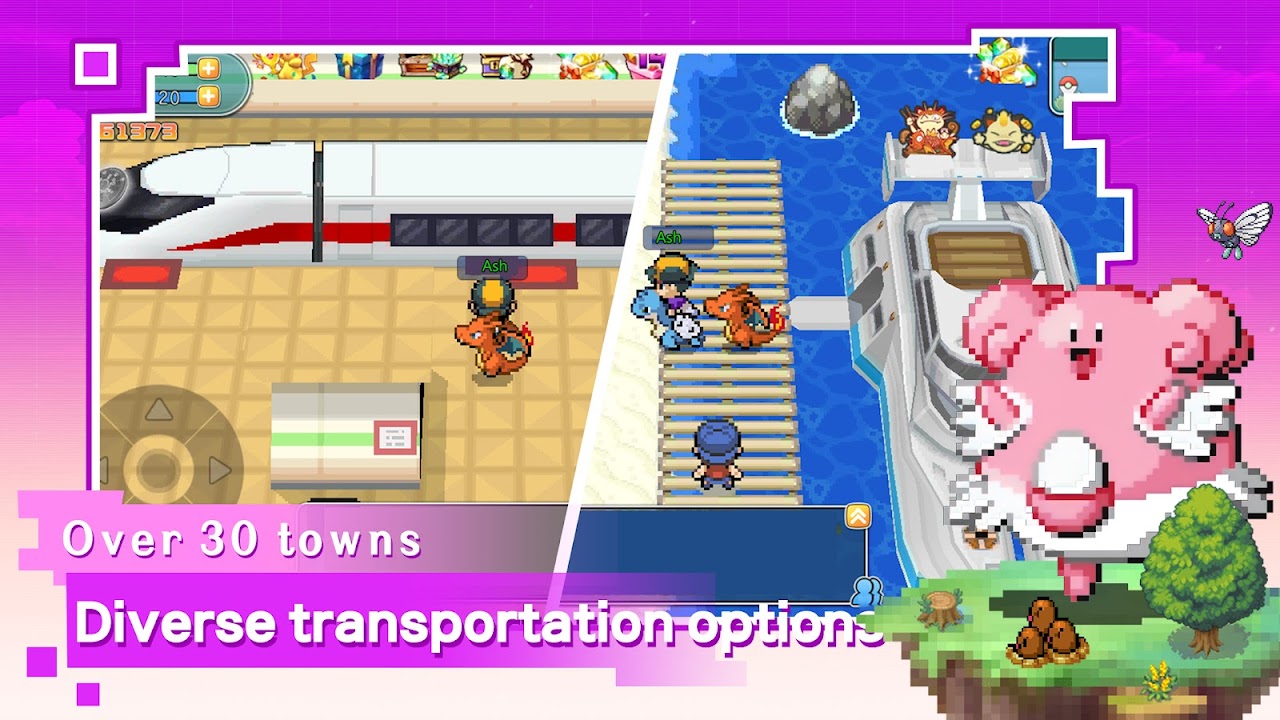

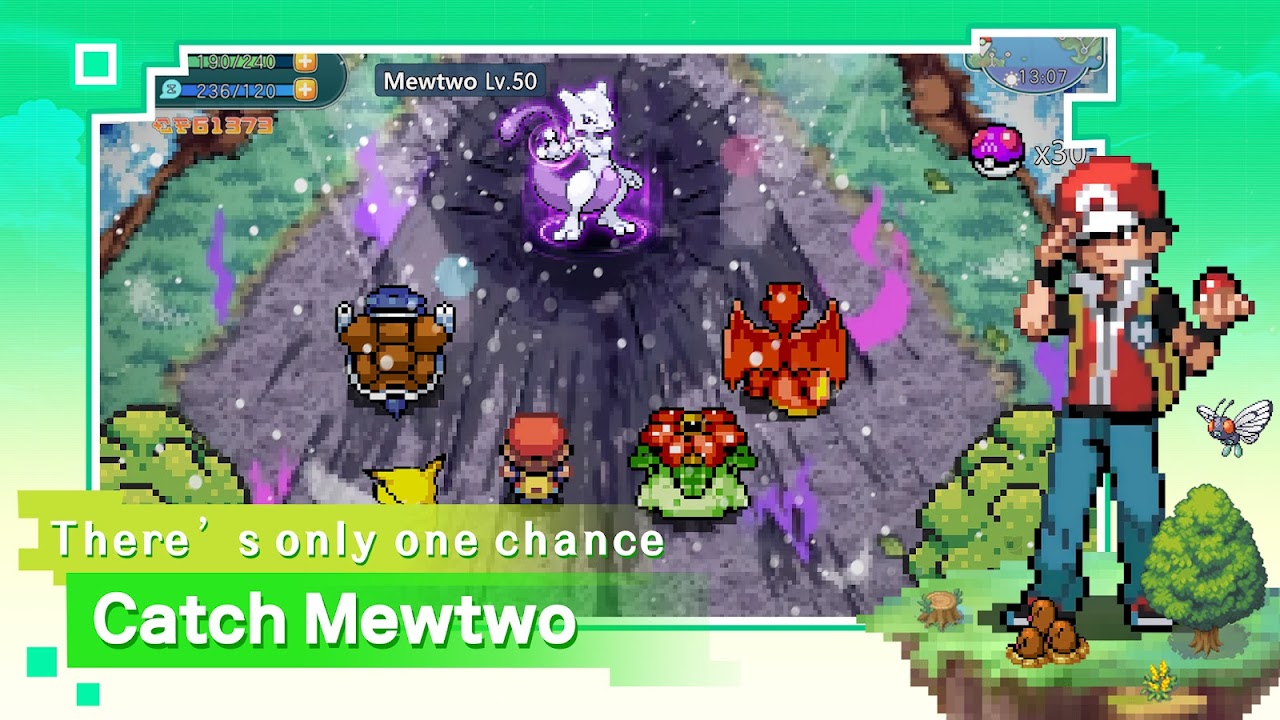
More About Pocket Pixel
| Name | Pocket Pixel |
|---|---|
| Package Name | com.lxskr.poke |
| Category | Arcade › |
| Version | 1.0.228 |
| Size | 427.1 MB |
| Requires Android | 5.0 and up |
| Last Updated | 26 September 2025 |
Step Back in Time with Classic Handheld Gaming
For anyone who grew up carrying around a beloved retro handheld console, modern touchscreens can sometimes feel a bit too sterile and overly complex. If you miss the simpler days of vintage portable gaming, Pocket Pixel offers an ideal way to channel that classic energy directly on your phone. This free-to-play arcade title is designed to evoke the golden age of retro systems, pairing uncomplicated mechanics with charming pixel aesthetics. Instead of demanding hours of heavy time investment or high-end device performance, it delivers quick, pick-up-and-play sessions that suit anyone looking to unwind and enjoy a dose of pure nostalgia.
[SCREENSHOT]
Key Highlights and Variety
The application aims to recreate the authentic feel of traditional handheld hardware, honoring the visual style and audio cues that defined an entire generation of interactive entertainment. Whether you prefer fast-paced action, thoughtful puzzles, or exploratory adventures, the diverse selection of modes ensures there is always a different challenge waiting around the corner. Because the interface is clean and straightforward, users of any age can easily navigate the menus without getting bogged down by complicated configurations.
- Faithful pixelated aesthetics and vintage sound design that mirror classic hardware.
- Multiple distinct play styles spanning action, puzzle, and adventure genres.
- A clean, accessible navigation layout suitable for players of all experience levels.
- Continuous content refreshes provided by the development team over time.
- Completely free access from the moment of download.
Getting Started and Practical Tips
Jumping into this pocket-sized adventure requires just a few simple steps. Because you are installing an unofficial APK file rather than grabbing a standard package from a mainstream storefront, remember to check your device security preferences and enable permissions for installing applications from unknown sources before you begin. Once the setup is finished, a quick tap on the home screen icon will launch the main menu, letting you choose your preferred challenge right away.
[SCREENSHOT]
To get the most out of your time with the app, take things at a relaxed pace rather than rushing blindly toward the finish line. Thoroughly investigating each environment often reveals hidden surprises, and mastering the touch layout will save you plenty of frustration during tougher moments. Keep an eye out for helpful power-ups that can turn the tide in tricky situations, and make sure to apply regular software updates as they become available to enjoy a smoother experience overall.