Magma Player APK
v1.0.9
UltimateEntertainment
Make your smart device a shows & movies theater with Magma Player APK, the player for all video and audio formats!
- Version
- v1.0.9
- Size
- 35.5 MB
- Requires
- Android 5.0 and up
Screenshots
Transform Your Mobile Entertainment with Magma Player
Finding a reliable application to handle every single video and audio format on a smartphone can often feel like an endless chore. Many users bounce between different utilities, only to find themselves blocked by unsupported file types or choppy playback. Media software should make enjoying movies, television shows, and tracks simple rather than frustrating. When a device lacks the proper decoding tools, even basic listening or viewing tasks turn into annoying roadblocks.
Magma Player aims to solve these common multimedia hurdles by acting as a comprehensive utility capable of managing a massive array of file types. Instead of hunting down converter tools or installing multiple specialized programs just to open different formats, users can rely on a single, unified environment designed to keep entertainment running smoothly on Android devices.
[SCREENSHOT]
Core Capabilities and Playback Strengths
At the heart of the application is a robust system built to handle diverse media libraries without missing a beat. Whether dealing with classic vintage tracks or high-definition cinematic releases freshly pulled from the theater, the software processes files reliably. Its underlying stability ensures that long viewing sessions or heavy listening loops proceed without unexpected crashes or performance stutters.
- Extensive codec library covering both older and contemporary audio and video standards, minimizing compatibility errors.
- Built-in music mixing options that appeal to enthusiasts and aspiring audio mixers looking to blend tracks directly on a mobile device.
- Top-tier visual and acoustic output designed to maximize the hardware capabilities of modern smartphones and tablets.
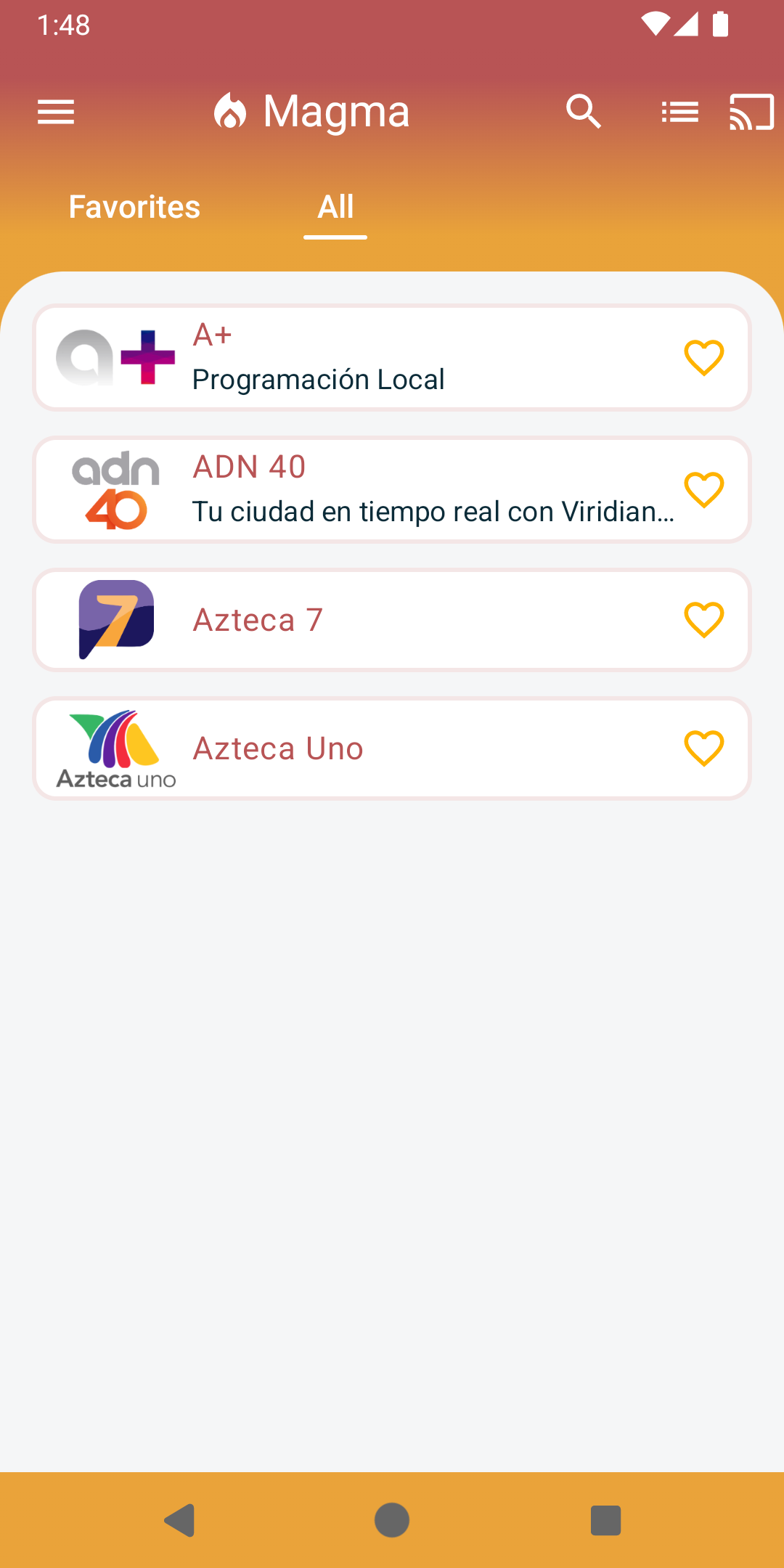
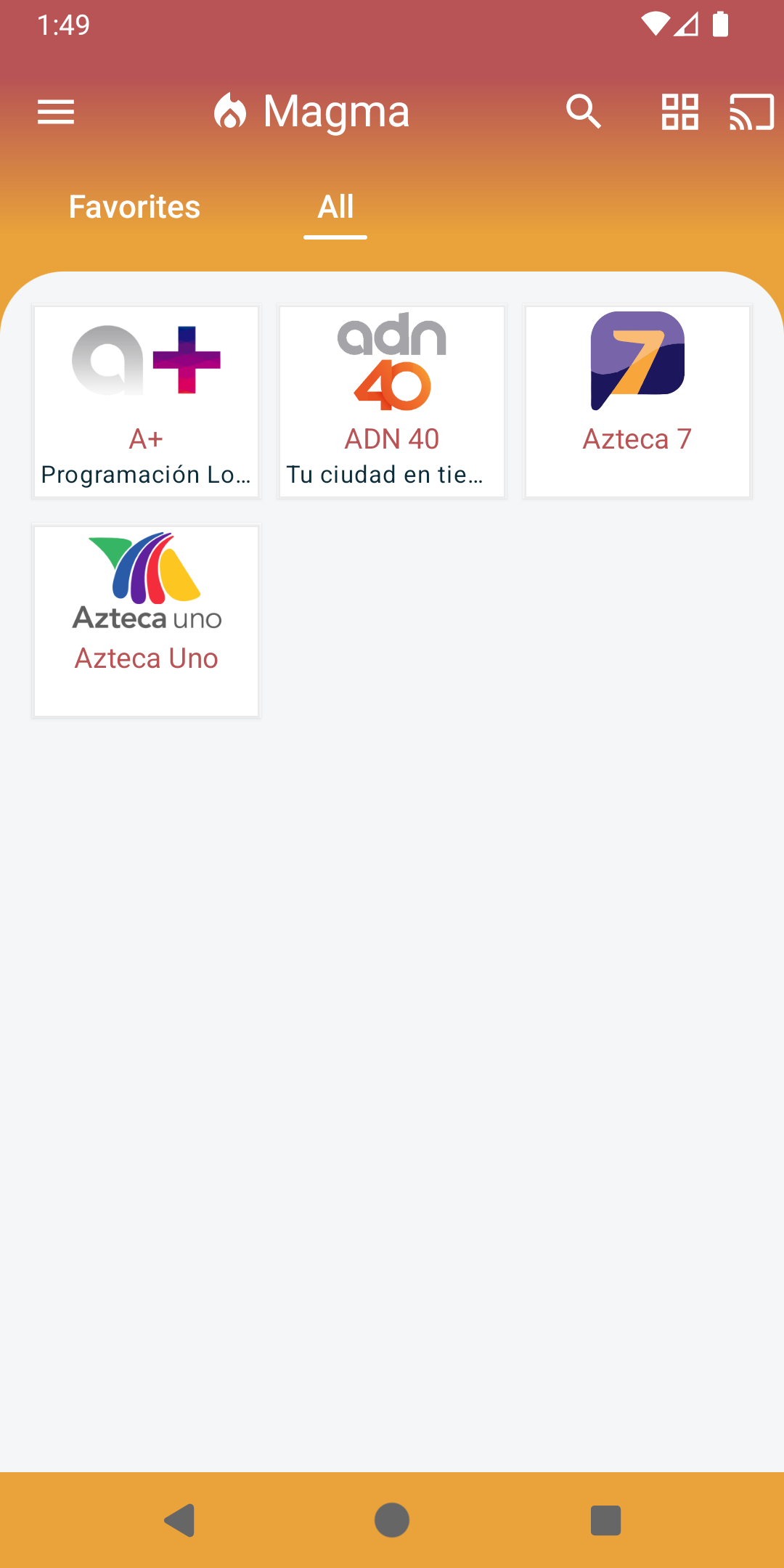
- Streamlined layouts that keep controls straightforward, making navigation accessible for individuals of all technical skill levels.
For music lovers who want more than just passive listening, the inclusion of mixing tools provides an engaging playground. Meanwhile, casual viewers benefit from an interface that prioritizes quick access and clear controls over cluttered menus, letting anyone tap, play, and enjoy media immediately.
Practical Setup Considerations for Android Users
Acquiring and configuring applications distributed via APK files involves a few standard system adjustments, particularly for users who prefer managing software outside official marketplace channels. Because this method bypasses standard storefront installations, taking a few preparatory steps ensures a seamless process from download to first launch.
Before initiating the file transfer, it is always wise to verify that your mobile hardware meets basic operational requirements and has sufficient storage space available. Users must typically navigate to their device security or privacy settings to temporarily permit the installation of software from external origins. Once that permission is granted, tapping the download link initiates the file transfer to your local storage.
After the installation completes, opening the application for the first time may prompt requests for specific read and write permissions. Granting these accurately allows the utility to scan, organize, and display your local media files properly. Keeping the software updated to its latest iteration ensures continued stability, access to bug fixes, and optimal performance across all supported file formats.
Enhancing Your Daily Listening and Viewing Habits
While the internal processing power of a media utility determines how many formats it can handle, external accessories heavily influence the final output quality. Pairing the software with a capable set of headphones or external portable speakers allows users to truly appreciate the fidelity of the audio processing engine. Organizing local file directories beforehand also helps maintain a clean, navigable library, allowing you to jump straight into your favorite albums or video series without unnecessary searching.
Ultimately, Magma Player serves as an all-in-one ecosystem for mobile media enthusiasts who demand versatility, stability, and broad format support from a single application. By removing technical barriers and keeping operation straightforward, it transforms any compatible smartphone into a capable, pocket-sized entertainment hub.