VLC APK
v3.7.2
VLC Mobile Team
VLC for Android is the best media player for your Android phone or tablet.
VLC APK
Download For Android

More About VLC
| Name | VLC |
|---|---|
| Package Name | org.videolan.vlc |
| Category | Video Players & Editors › |
| Version | 3.7.2 |
| Size | 49.6 MB |
| Requires Android | 4.2 and up |
| Last Updated | 19 October 2026 |
Understanding the Need for a Reliable Media Player on Android
Digital media is an everyday part of modern life, accompanying us across smartphones, tablets, laptops, and desktop computers. Almost every smart device ships with a pre-installed default video player, yet these factory-standard applications frequently struggle when faced with less common formats, complex codecs, or large media libraries. For users who are not deeply technical, the sheer volume of alternative media applications available on app stores can cause significant confusion. Sifting through countless utilities to find something stable, capable, and free of unnecessary complications is a common hurdle.
When searching for a robust option that bridges the gap between simplicity and advanced performance, many users turn to established software that has proven its reliability over decades. Originally developed as an open-source, cross-platform project by the VideoLan Organization way back in 2001, this software gradually expanded from desktop environments to mobile operating systems, permanently transforming how people handle local and streamed media on portable hardware.
Core Capabilities and Playback Support
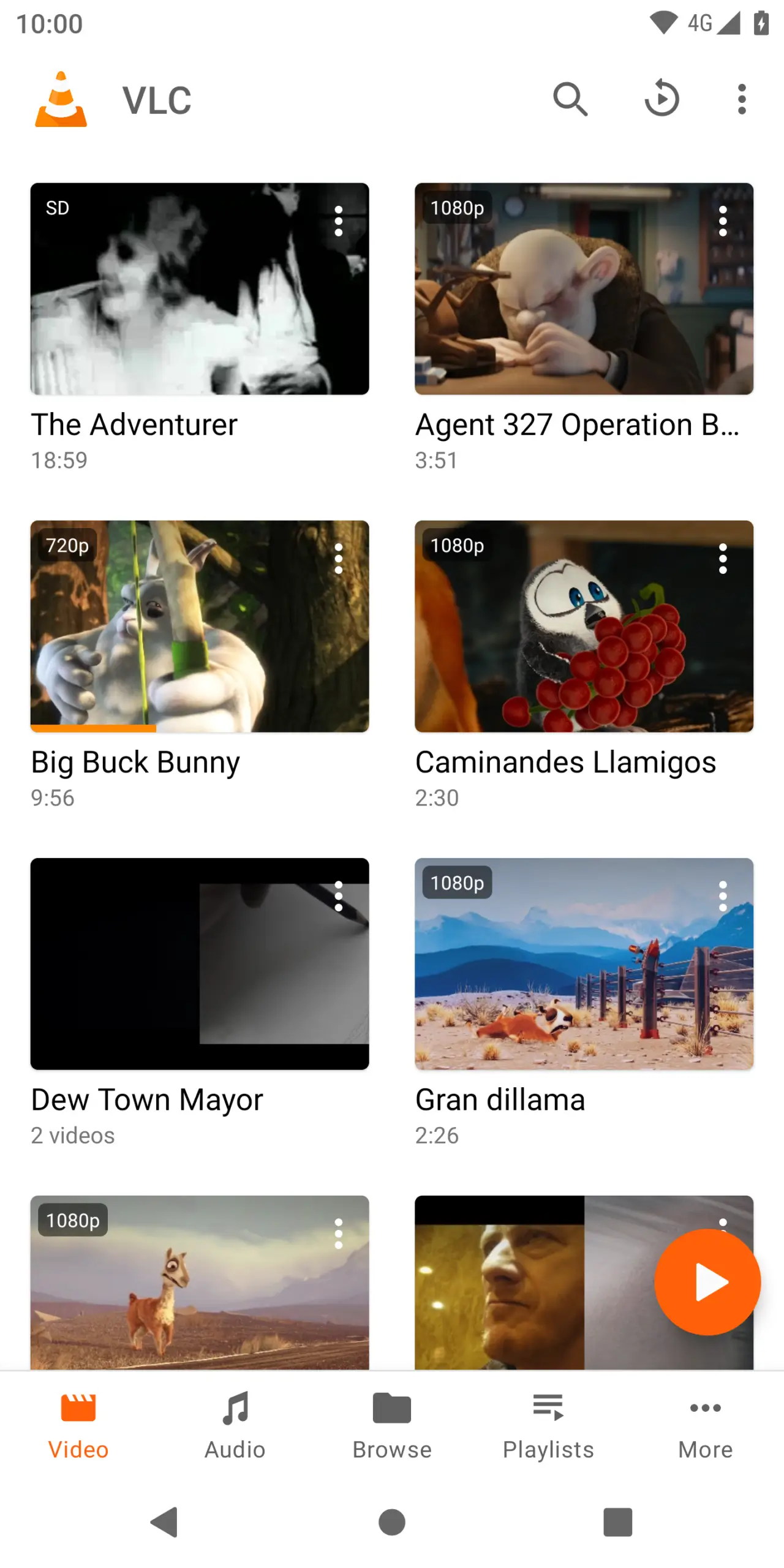
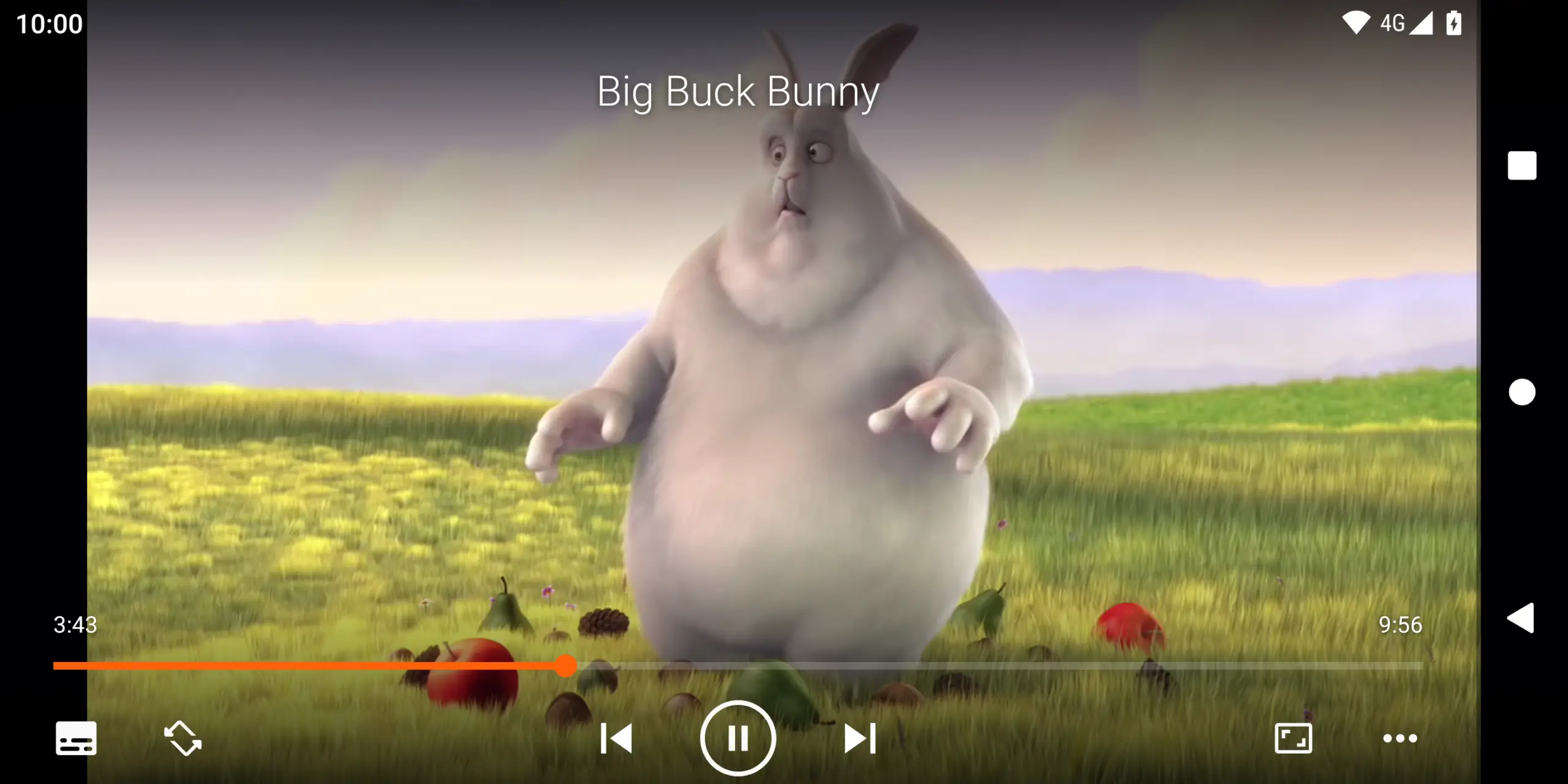
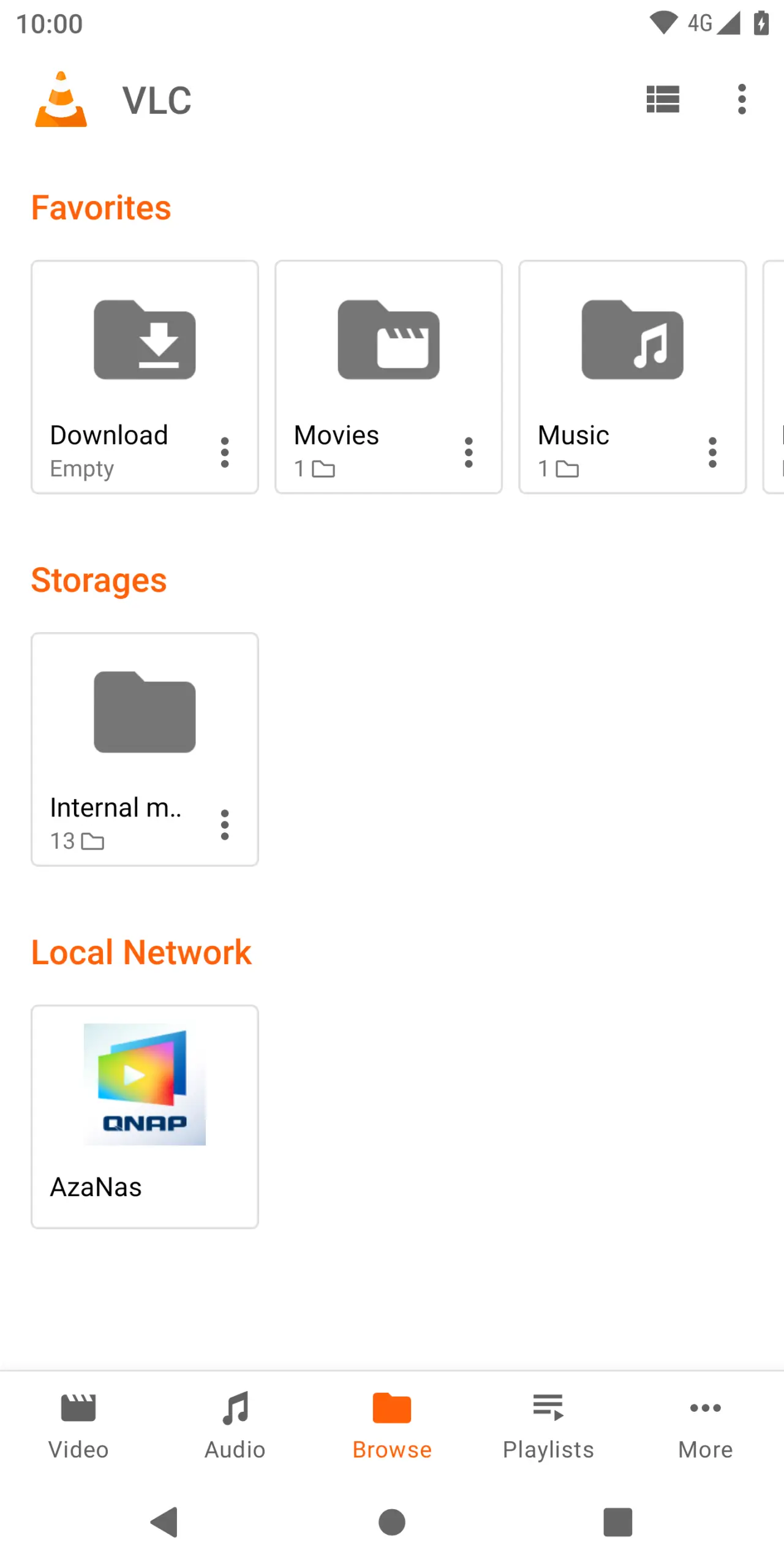
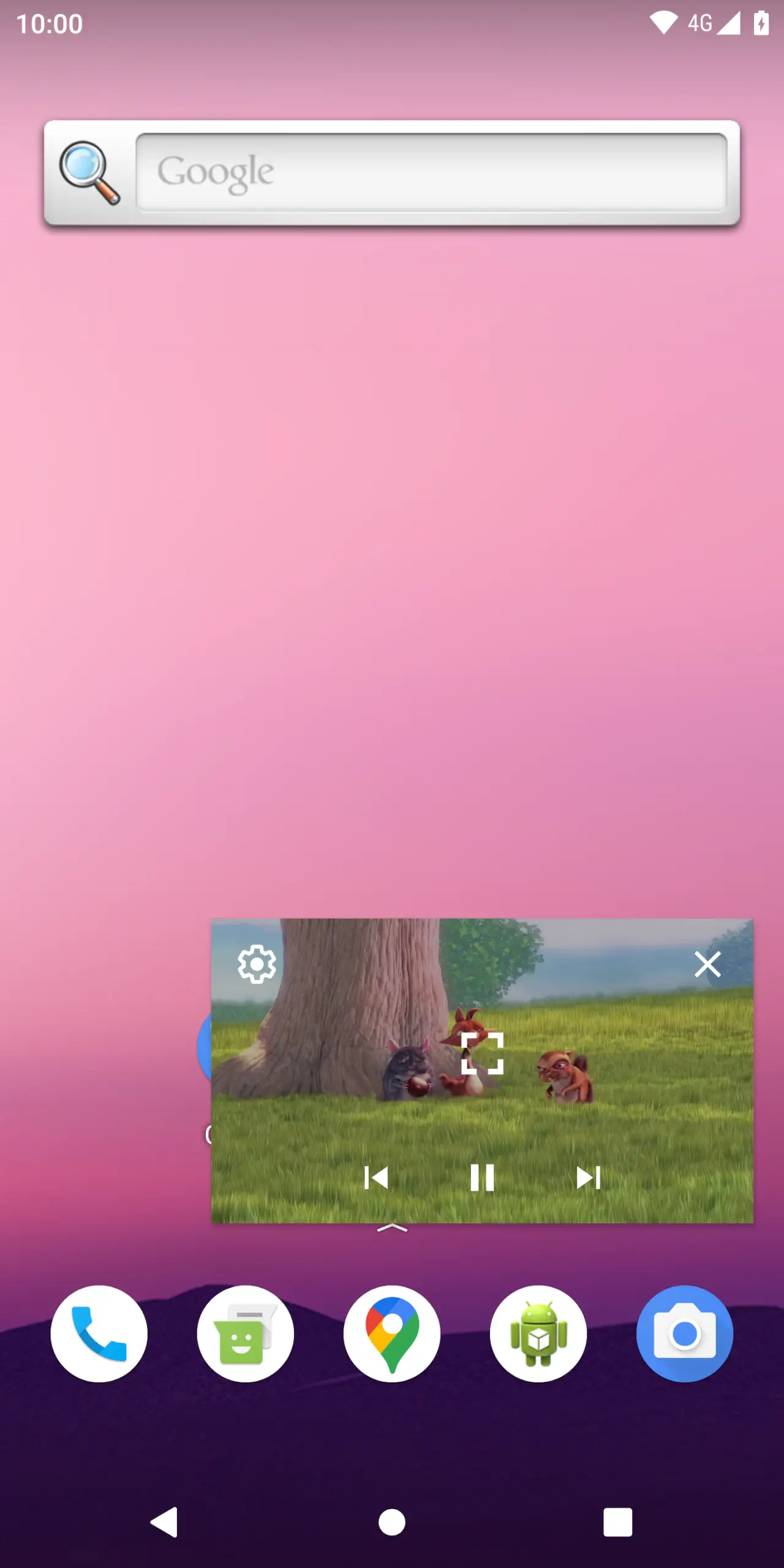
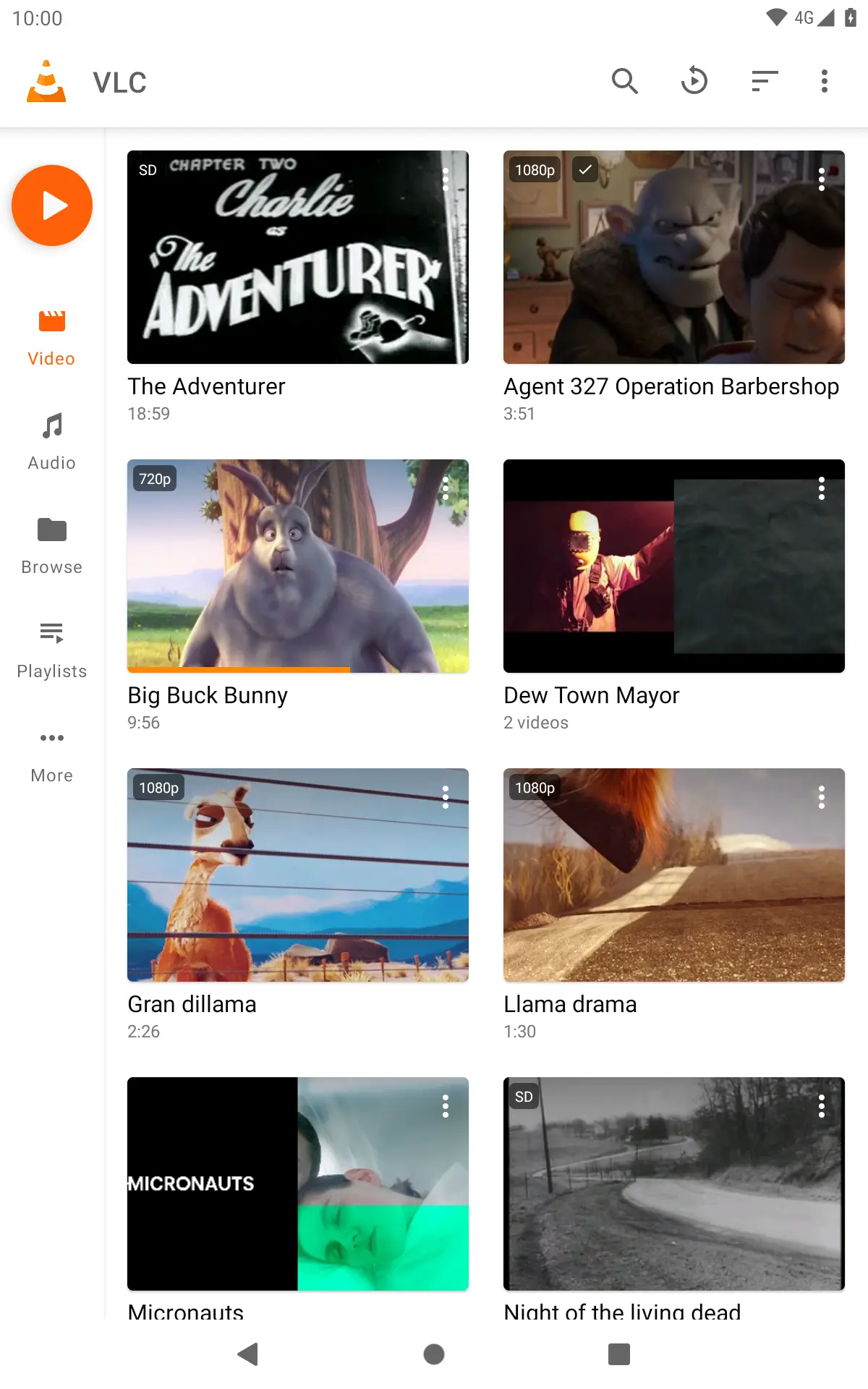
What sets this player apart in the crowded Android ecosystem is its exceptional compatibility range. Whether you are dealing with standard definitions or high-resolution files, the application is engineered to handle almost any digital video format you throw at it without requiring external codec packs. This broad format support eliminates the common frustration of receiving unsupported file errors.
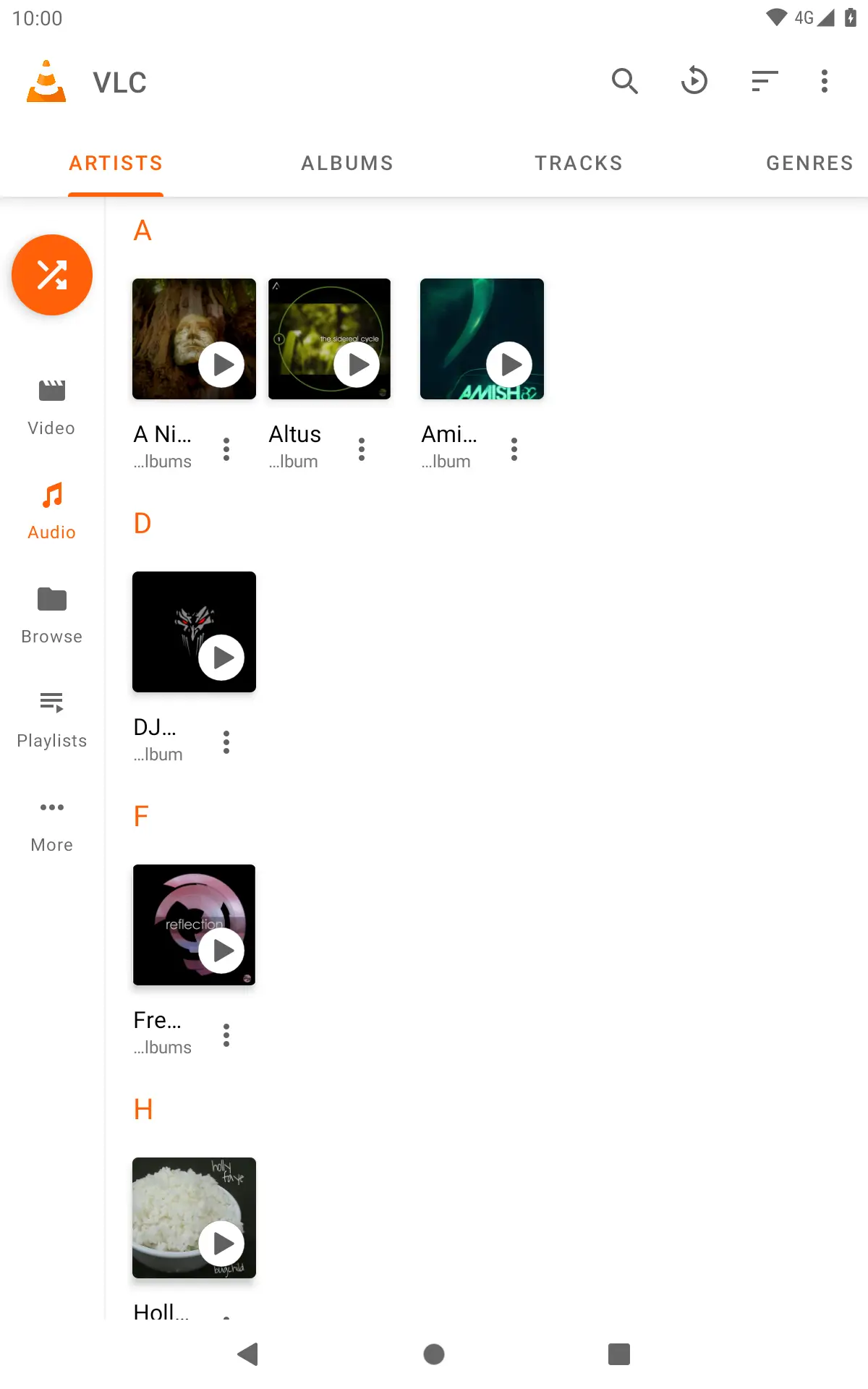
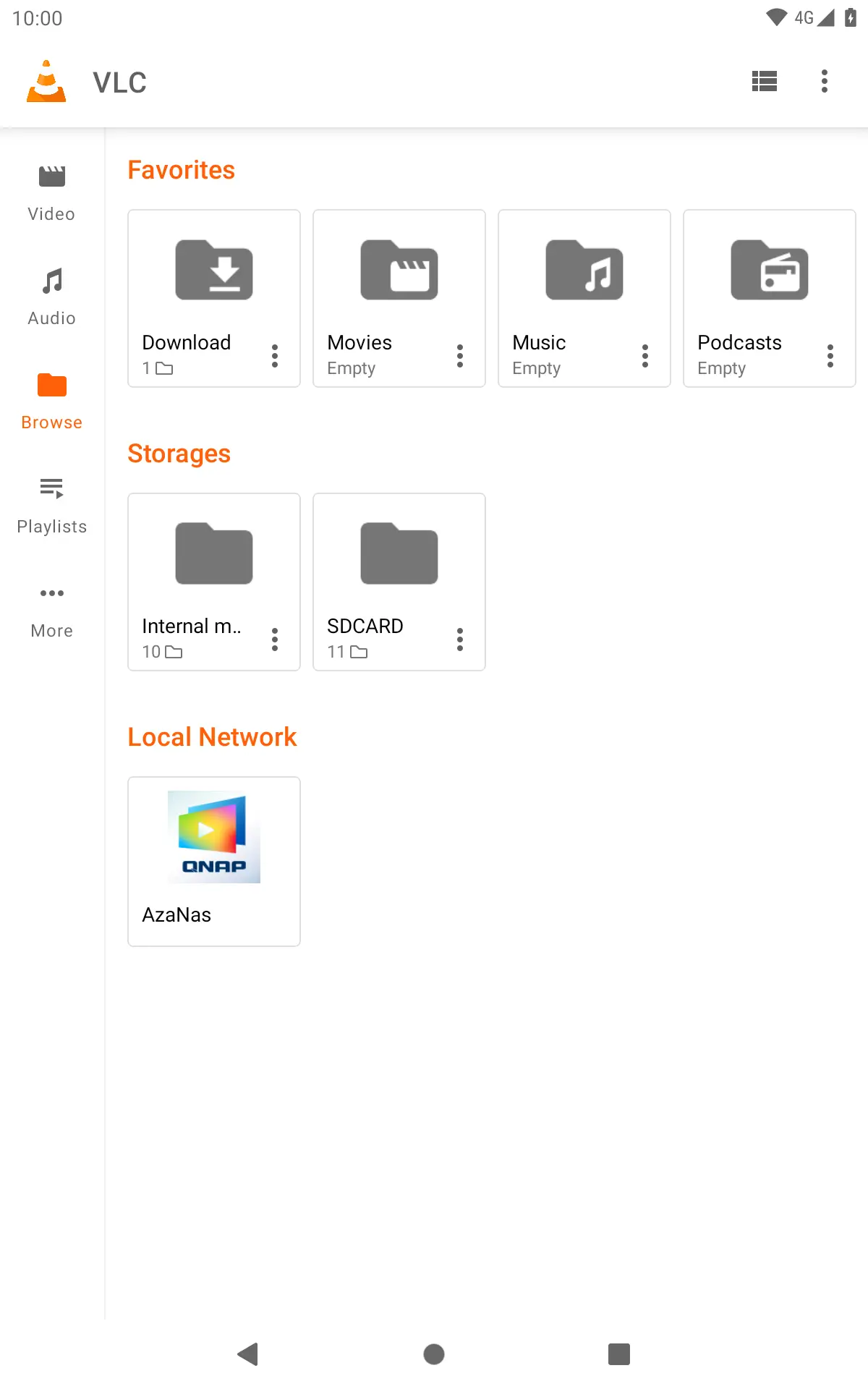
[SCREENSHOT]
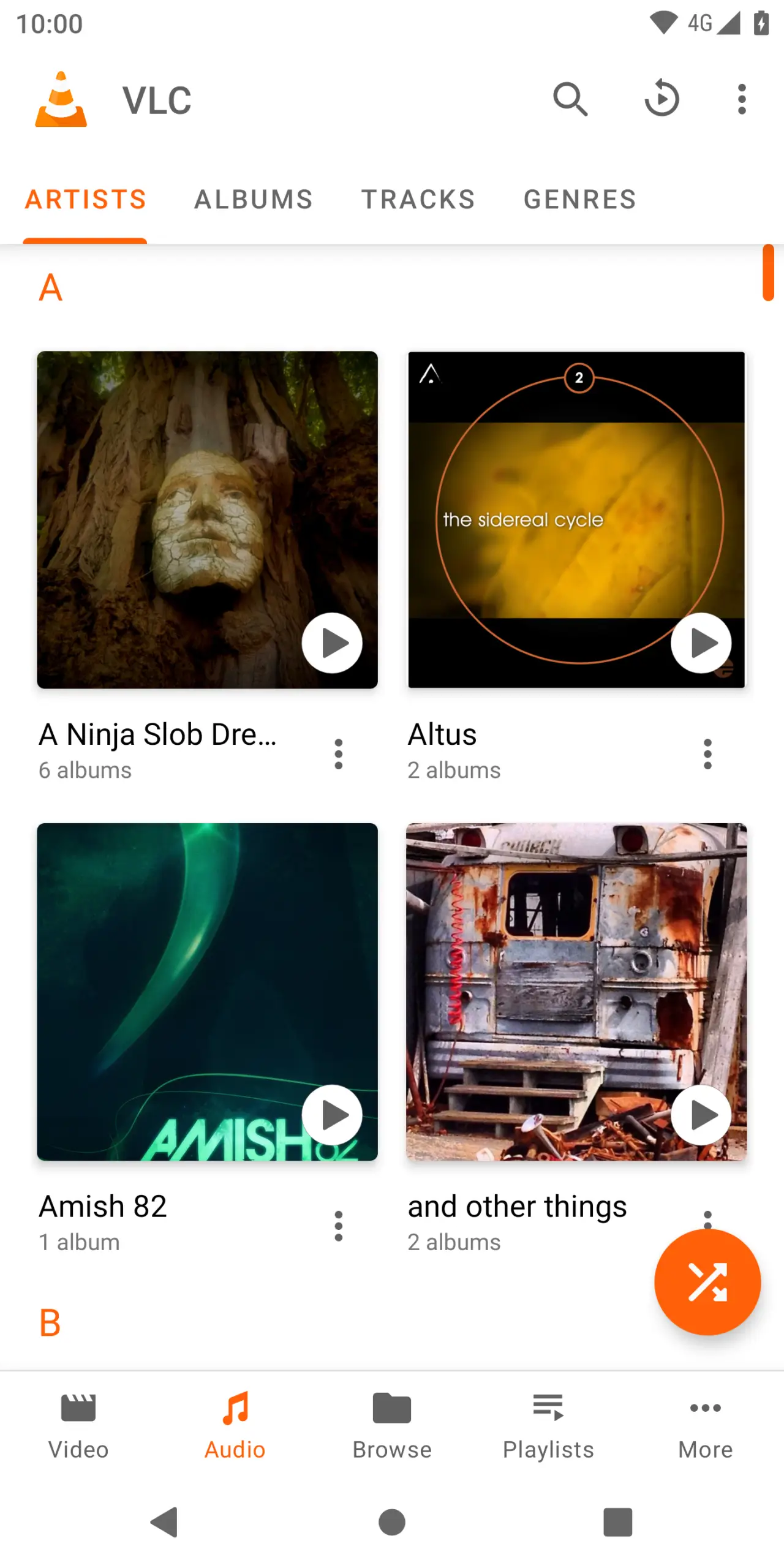
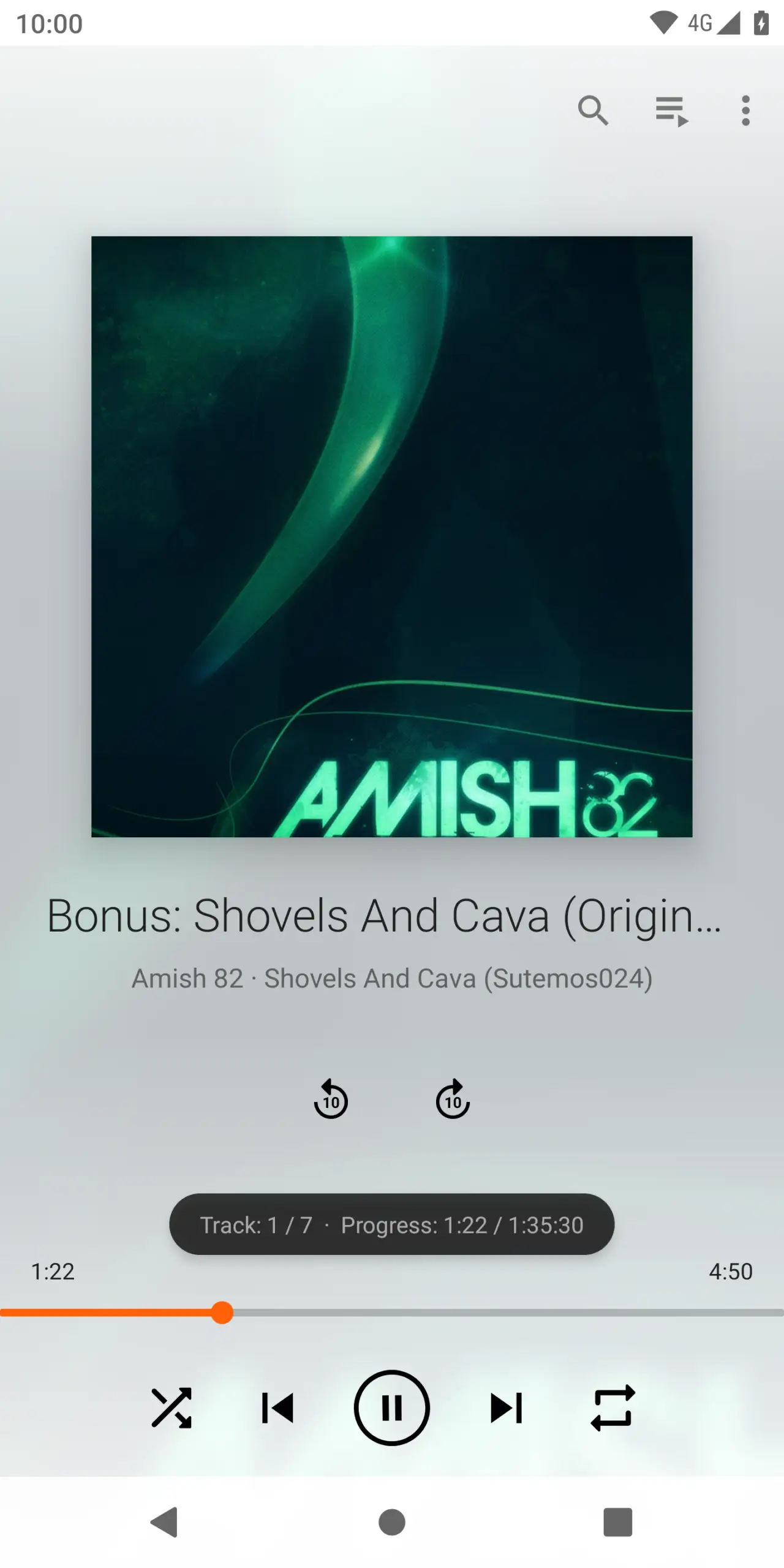
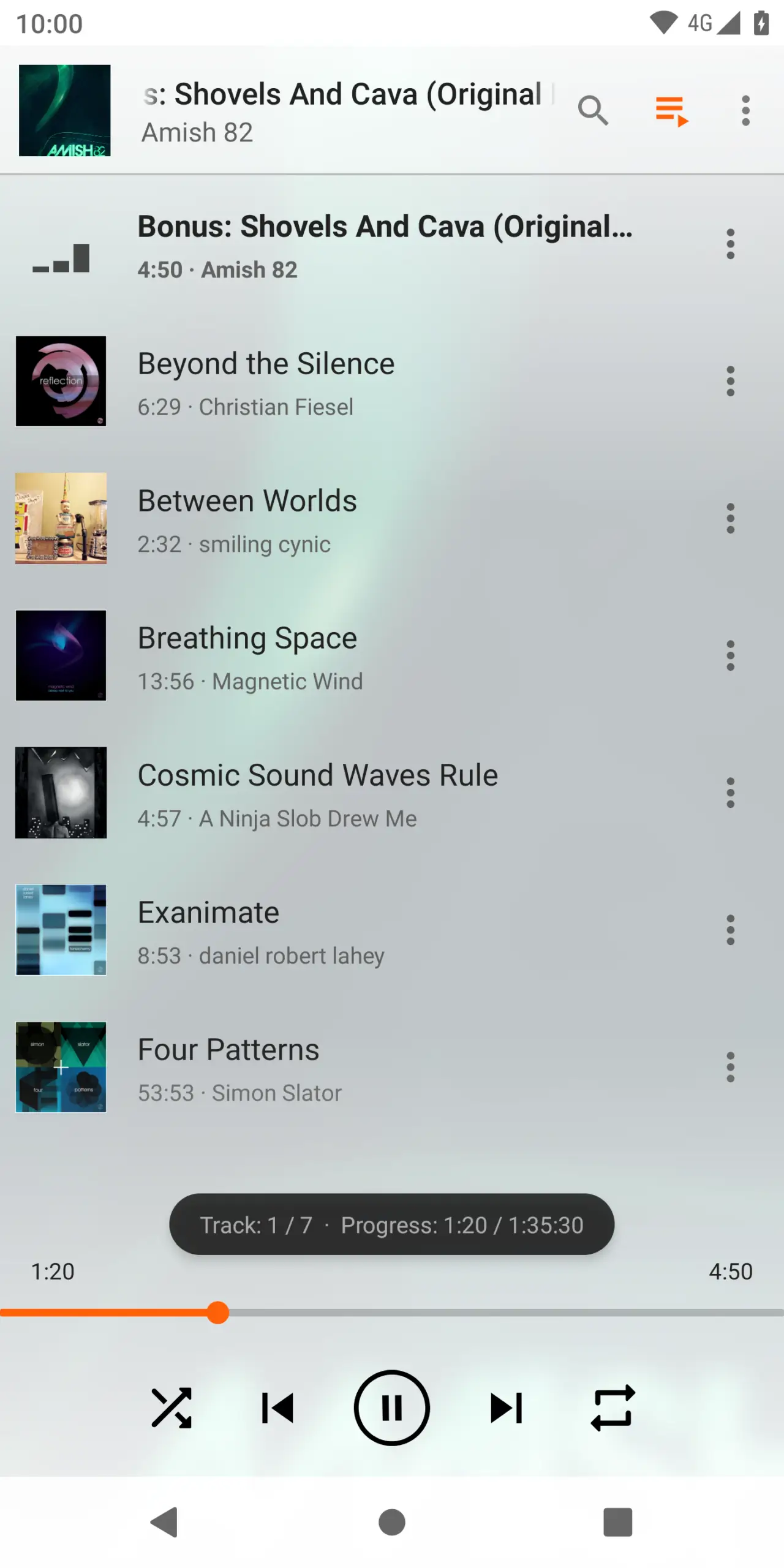
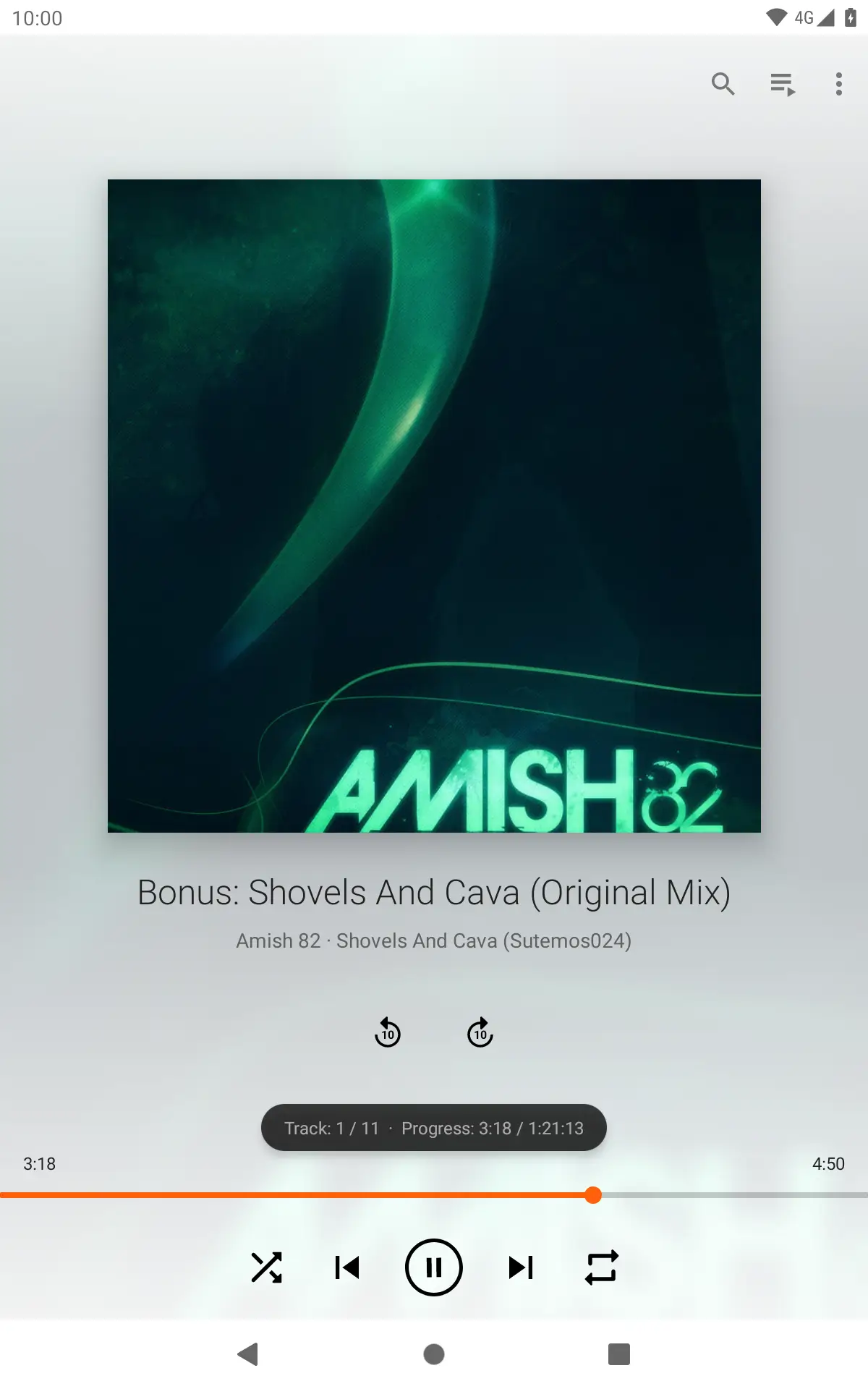
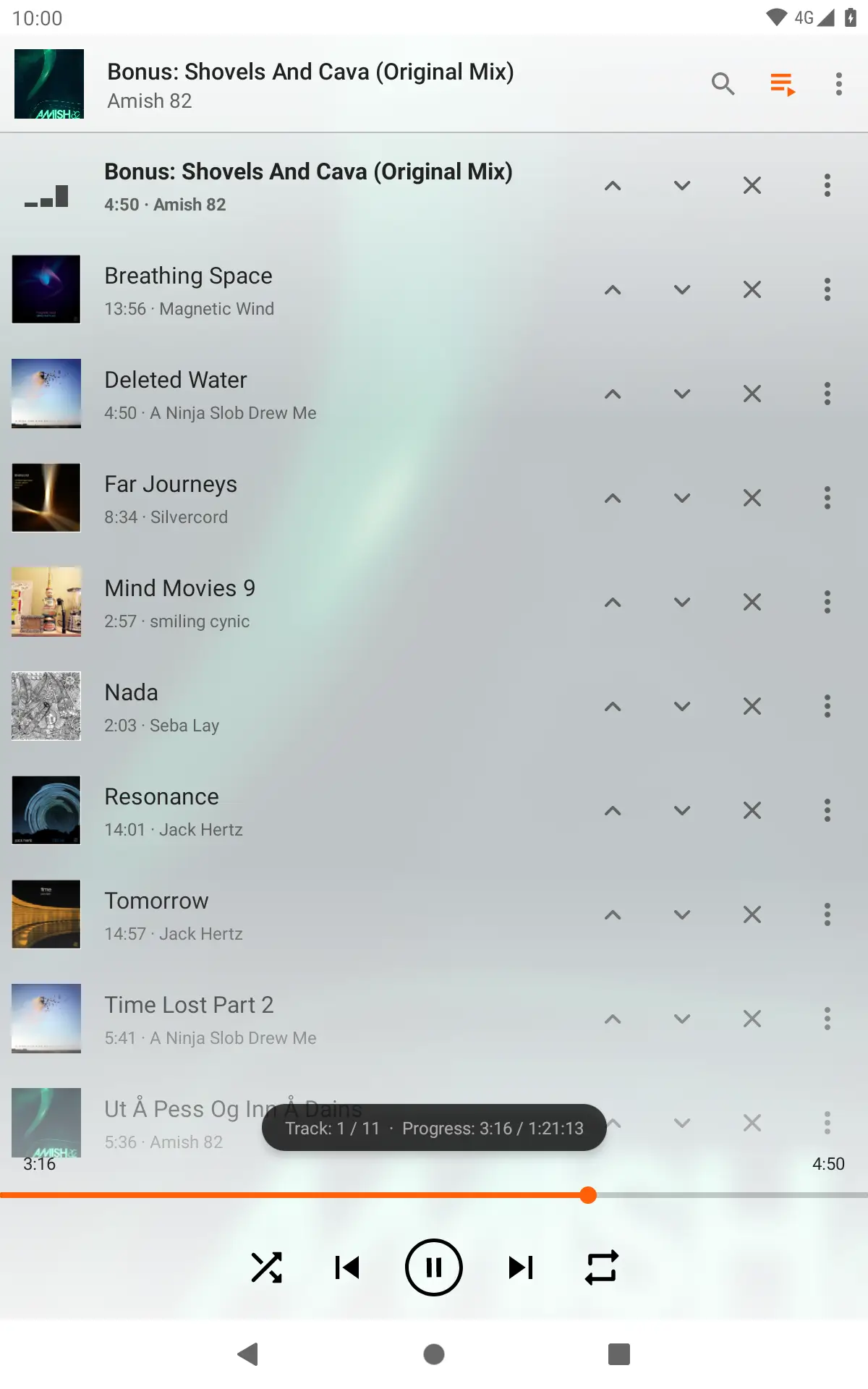
Beyond traditional video playback, the application doubles as a fully functional audio center, delivering reliable sound reproduction for your favorite music collections and audio tracks. To give you a better idea of its versatility, here are some of the primary media formats supported by the player:
- Video containers and codecs including MKV, MP4, AVI, MOV, TS, and M2TS.
- Audio formats such as OGG, FLAC, WV, AAC, and MP3.
- Built-in tools for managing both video and sound files within a single interface.
Advanced Tools for Enhanced Viewing
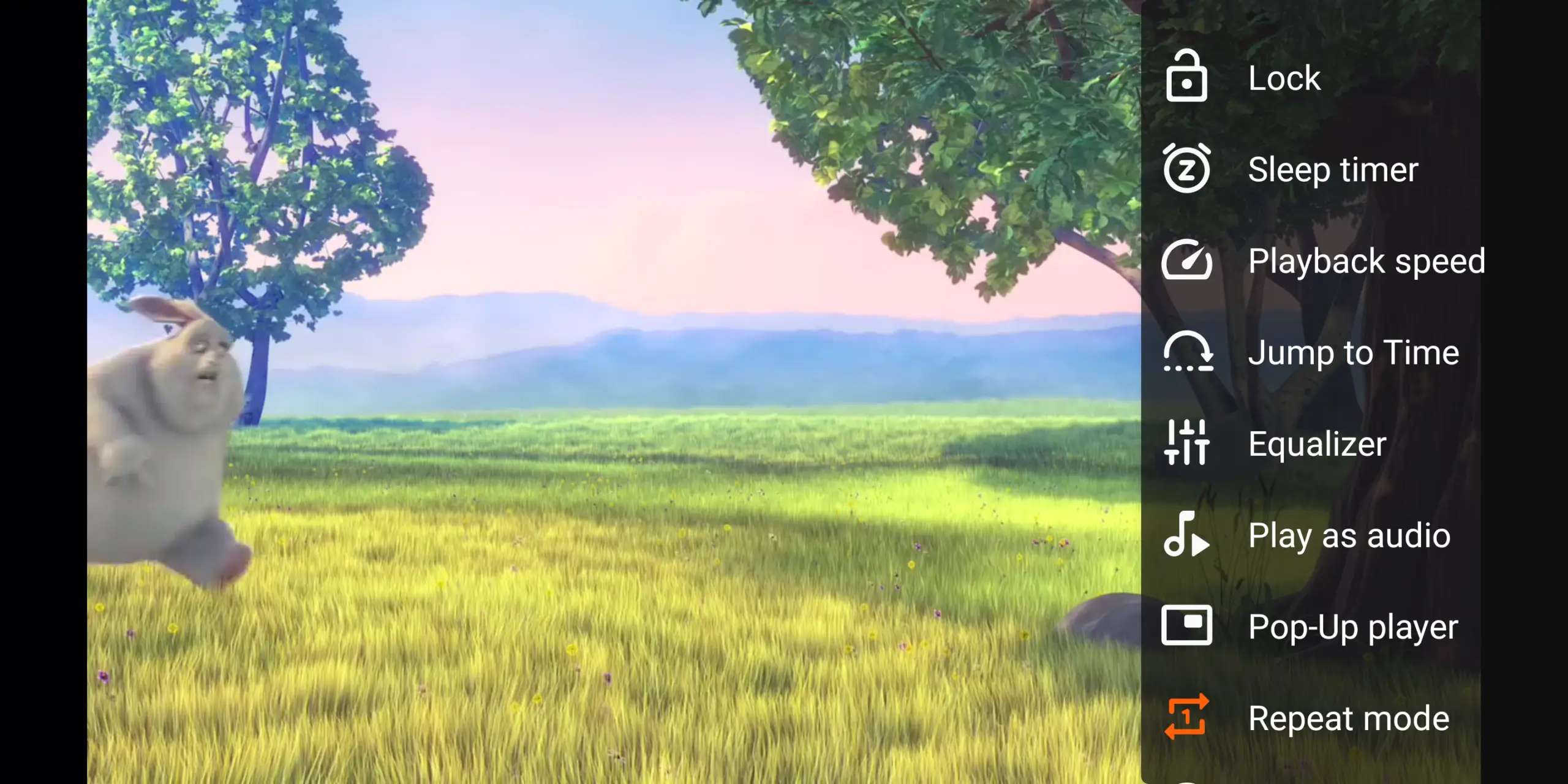
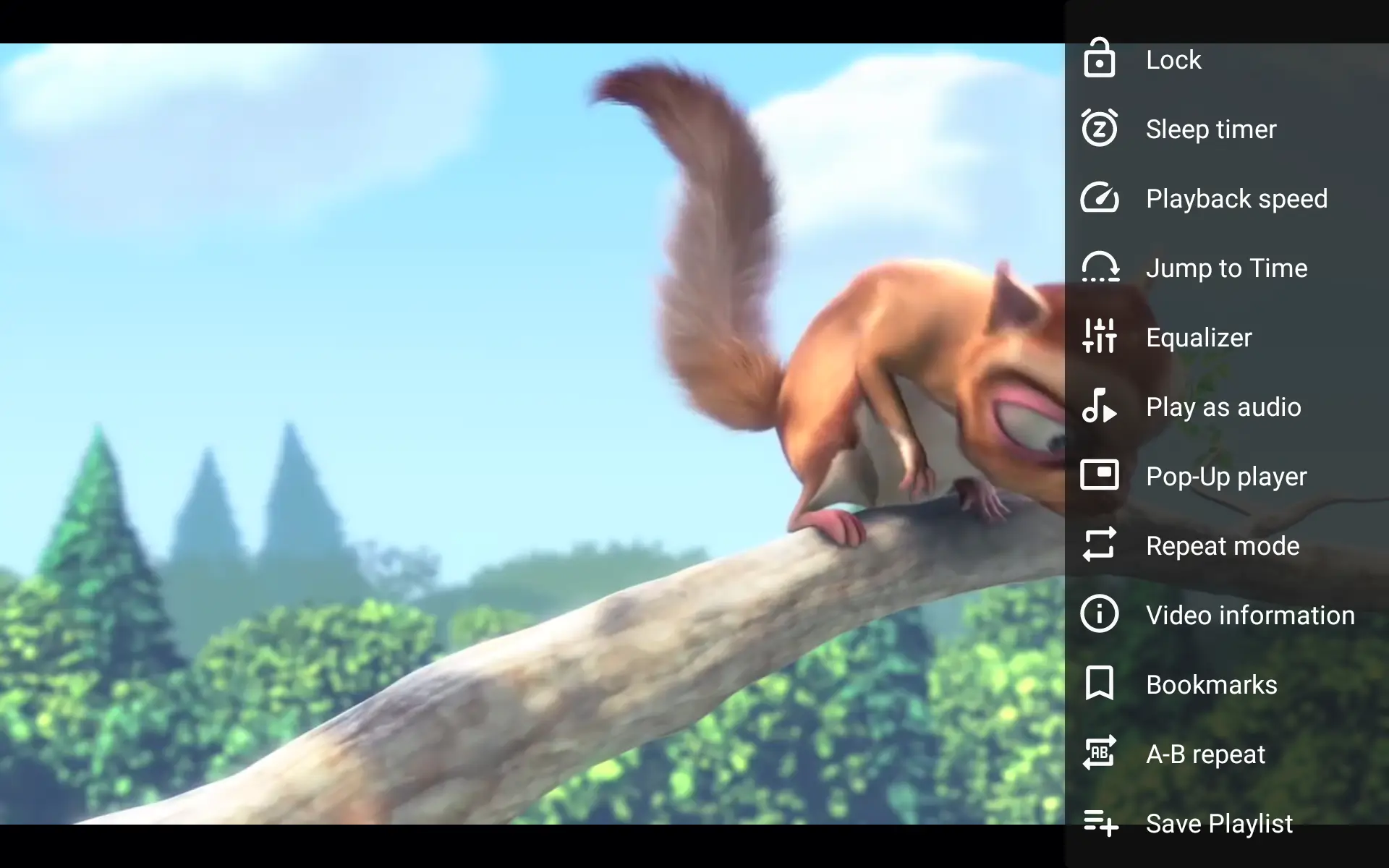
Beyond basic playback, the Android adaptation integrates a suite of functional tools designed to improve usability on touch-screen devices. Managing media playback on a phone or tablet requires intuitive controls, and this application addresses that need through responsive interface design.
- On-screen touch gestures allow you to adjust volume, brightness, and seeking simply by tapping, holding, or dragging across the display.
- Variable playback speeds let you slow down content to 0.25x or accelerate it up to 4x, or type in a precise speed manually.
- An integrated subtitle retrieval tool lets you download subtitles directly through the app interface without needing to source them manually from external browsers.
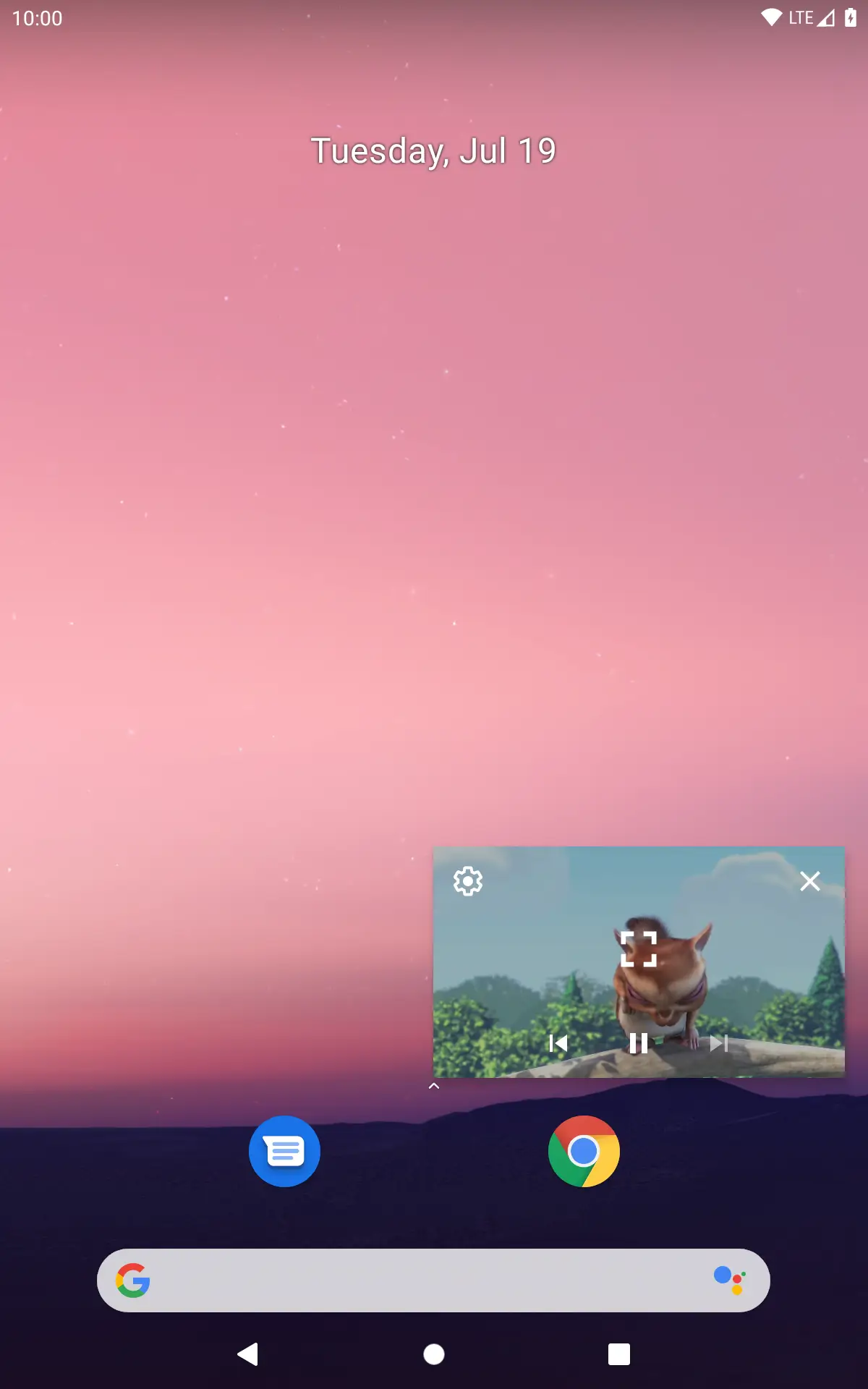
- Home screen widgets provide quick access to your media controls without requiring you to open the full app interface every time.
Streaming and Casting Functionality
Modern viewing habits often extend beyond locally stored files into online streaming and multi-device sharing. The application accommodates these workflows through dedicated network and casting features.
Users who wish to view remote streams can utilize the Open MRL function found within the menu system, allowing them to paste supported video URLs for direct playback. Additionally, built-in cast support enables you to project compatible content from your mobile device onto larger screens, provided you are utilizing a Chromecast-enabled receiver on the same network.
Practical Considerations for Manual Installation
While standard builds of the application are readily available through mainstream app distribution platforms, some users prefer obtaining standalone APK files for manual deployment across compatible mobile phones and tablets. When dealing with unofficial or manual application packages, it is always wise to exercise standard digital safety precautions:
- Verify that your device meets the necessary operating system compatibility requirements before initiating any installation.
- Ensure that your device security settings are properly managed, remembering to toggle permissions for installing apps from unknown sources only when necessary and reverting them afterward.
- Keep official backups of your essential data and only download files from trusted sources to minimize unexpected system risks.
By downloading the package and following standard manual installation prompts through your device storage manager, you can quickly integrate the player into your daily workflow, replacing restrictive default players with a versatile media utility.